





 Pokemon Card Scanner
 Live Wallpapers Unlimited
How to Sync a Watch: Your Ultimate 2025 Guide to Perfect Timekeeping
Introduction: Why Knowing How to Sync a Watch is Essential in 2025
In today's fast-paced world, accurate time is more crucial than ever. From catching flights to meeting deadlines, staying on schedule is key. This is why understanding how to sync a watch is a vital skill for everyone. Whether you own a classic mechanical timepiece or the latest smartwatch, ensuring your watch displays the correct time keeps your life running smoothly. A perfectly synced watch prevents missed appointments and avoids unnecessary stress. It gives you confidence in your daily schedule.
This comprehensive guide will walk you through the process of how to sync a watch, covering various types from traditional analog models to advanced smartwatches. We will explore manual setting techniques, automatic synchronization methods, and troubleshooting tips. By the end of this article, you will have all the knowledge you need to keep your watch perfectly aligned with the world's time. Let's dive in and master the art of timekeeping.
The Importance of Precision: Why Sync Your Watch?
You might wonder why a few seconds here or there really matter. However, even small discrepancies can add up. Imagine missing a train by a minute, or being late for an important video call. These situations highlight the critical need for an accurately synced watch. In 2025, many aspects of our lives are interconnected and time-sensitive. Your watch acts as your personal time anchor.
Beyond practical reasons, a correctly synced watch also offers peace of mind. You can trust the time displayed on your wrist. This accuracy is not just about convenience; it is about reliability. For professionals, travelers, and anyone with a busy schedule, a watch that keeps perfect time is an indispensable tool. It helps you manage your day effectively.
- Ensures you are punctual for all appointments and meetings.
- Helps with travel, especially across different time zones.
- Maintains consistency across all your time-telling devices.
- Provides peace of mind and reduces stress.
- Supports precise scheduling for complex tasks.
Understanding Watch Syncing: Analog vs. Digital Approaches
The method you use to sync a watch depends heavily on its type. Traditional analog watches, including mechanical and basic quartz models, often rely on manual adjustments or radio signals. These watches have a physical mechanism for setting the time. They are simpler in their operation.
Smartwatches, on the other hand, operate in a completely different digital realm. They typically synchronize their time with a paired smartphone or directly over the internet. This digital connection allows for automatic updates, including time zone changes. Understanding these fundamental differences is the first step in learning how to sync a watch correctly for your specific device.
How to Sync a Traditional Analog Watch
Traditional analog watches, whether mechanical or quartz, usually require manual intervention to set the time. This process is straightforward but demands a reliable reference time. You need a trusted source to ensure accuracy. This section will guide you through the steps involved.
Setting Time Manually
For most analog watches, manually setting the time involves using the crown. The crown is the small knob on the side of the watch case. This method is universal for many non-smart watches. It gives you direct control over the time display.
- Find a reliable time source: Use an atomic clock website (like time.gov), your smartphone, or a radio-controlled clock as your reference. Ensure this source is accurate to the second.
- Pull out the crown: Gently pull the crown out to its outermost position. For some watches, this might be the second click if there's also a date setting position.
- Turn the crown: Rotate the crown to move the hour and minute hands forward or backward. Set the time to be slightly ahead of your reference time.
- Push in the crown: When your reference time reaches the exact minute and second you set, push the crown back in. This starts the watch's movement. You have now completed the basic steps for how to sync a watch manually.
Using Atomic Clock Signals for Precision
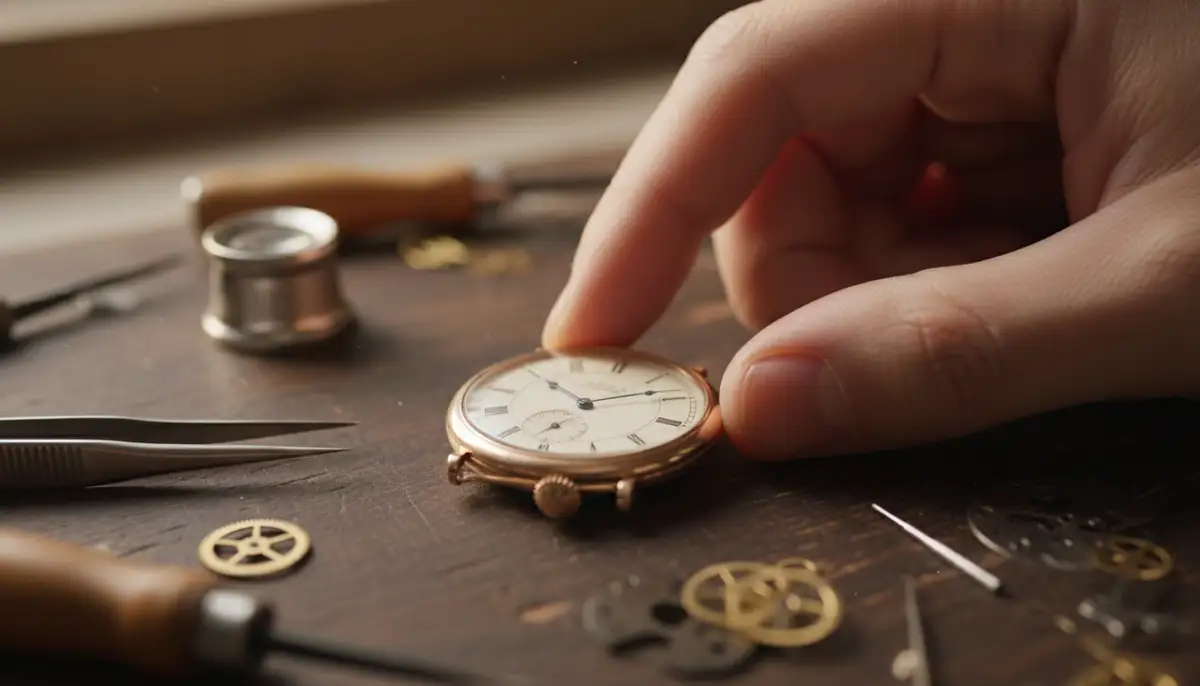
Some advanced analog watches, often labeled 'radio-controlled' or 'atomic watches,' can automatically sync with atomic clock signals. These watches receive time signals broadcast from government-run atomic clocks, like the WWVB signal in North America. This ensures unparalleled accuracy. You rarely need to worry about how to sync a watch manually with these models.
These watches typically have an antenna built into their case. They listen for these radio waves, usually overnight, to correct their time. The signal carries precise time information. This means your watch will always be accurate to the second. It's a fantastic feature for those who value ultimate precision.
- Ensure good reception: Place your watch near a window, away from electronic interference, especially overnight.
- Check for manual reception mode: Many radio-controlled watches have a button or menu option to force a manual signal reception. Consult your watch's manual for specific instructions.
- Verify successful sync: After a successful reception, the watch will often indicate it with a specific hand movement or a display icon. Your watch is now perfectly synchronized.
How to Sync a Quartz Watch
Quartz watches are renowned for their accuracy compared to mechanical watches, thanks to their battery-powered, crystal oscillator movement. Most standard quartz watches are set manually, similar to basic analog watches. They offer reliable timekeeping without the need for frequent adjustments. Learning how to sync a watch of this type is straightforward.
High-end quartz watches might include advanced features like perpetual calendars or even radio control, which simplifies the syncing process further. However, for the vast majority, manual setting is the norm. You will follow a very similar procedure to a mechanical watch. This ensures consistent time.
- Identify your time reference: Use a trusted digital source, such as an online atomic clock or your smartphone, for the most accurate time.
- Locate and pull out the crown: Gently pull the crown on the side of your watch until it clicks into the time-setting position. If your watch has a date function, you might need to pull it out further.
- Adjust the hands: Rotate the crown to move the hour and minute hands. Set the time slightly ahead of your reference.
- Synchronize and push in the crown: When your chosen reference time reaches the exact second you've set, push the crown back into its original position. This will start the watch's movement, synchronizing it with your reference. You have now successfully learned how to sync a watch with a quartz movement.
How to Sync a Smartwatch: The Digital Frontier
Smartwatches represent a different era of timekeeping. When we talk about how to sync a watch in the context of smartwatches, we're usually referring to pairing it with a smartphone. This connection not only synchronizes the time but also handles notifications, fitness data, app updates, and much more. Your phone becomes the central hub for your watch's operations. This makes the syncing process more involved but largely automatic after the initial setup.
Modern smartwatches are designed for seamless integration with your digital life. They pull time data directly from your paired phone, which itself is typically synchronized with network time servers (NTP). This means your smartwatch is almost always accurate, even when you travel across time zones. You rarely need to manually adjust the time. Let's look at specific platforms.
Apple Watch Syncing
Apple Watch devices are designed to work exclusively with iPhones. The syncing process is integrated into the initial setup and pairing. Once your Apple Watch is paired with your iPhone, it automatically synchronizes time, date, and time zone information. This happens continuously in the background. Your iPhone acts as the master clock.
The Apple Watch app on your iPhone is the control center for all settings, including watch faces, notifications, and app management. To ensure proper syncing, always keep both your iPhone and Apple Watch updated to the latest software versions. For a detailed guide on setting up and pairing your Apple Watch, you can refer to Apple's official support page. This resource provides step-by-step instructions for a smooth setup.
Beyond basic time synchronization, your Apple Watch also syncs fitness data, calendar events, and app data from your iPhone. This creates a cohesive experience. Many users enjoy customizing their Apple Watch with unique watch faces. WatchMaker offers a vast repository of watch faces, allowing you to personalize your device beyond standard options.
Wear OS Smartwatch Syncing
Wear OS watches, powered by Google, primarily pair with Android smartphones, though some models offer limited compatibility with iPhones. The Wear OS app on your phone is essential for the initial setup and ongoing management. This app facilitates the connection and ensures your watch receives all necessary information, including accurate time. It's how you truly sync a watch running Wear OS.
Once connected, your Wear OS watch will automatically pull time, date, and time zone information from your phone. This ensures consistent timekeeping across your devices. The app also manages notifications, app installations, and watch face customization. For official instructions for connecting your Wear OS watch to your phone, check out Google's Wear OS support page. It provides valuable insights into the pairing process.
WatchMaker is a leading platform for customizing Wear OS watches. We offer thousands of unique watch faces to make your device truly yours. You can explore a wide range of designs and functionalities. For a visual guide, watch this helpful video tutorial on
. This video will walk you through the practical steps.The Wear OS ecosystem also supports various third-party watch face creators and platforms. Companies like Pujie Black, buddywatch.app, and amoledwatchfaces.com also offer diverse options for personalizing your smartwatch. They contribute to the rich customization landscape available to Wear OS users. This broad selection ensures you can always find the perfect look for your wrist.
Samsung Galaxy Watch Syncing
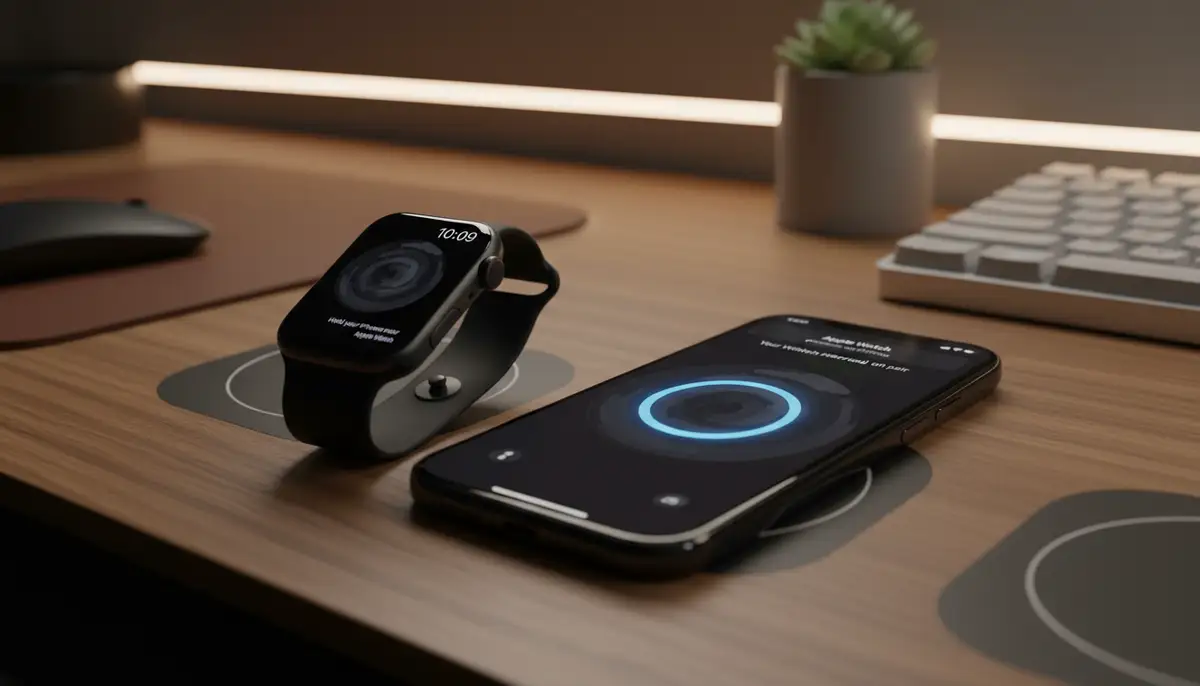
Samsung Galaxy Watches use the dedicated 'Galaxy Wearable' app for pairing and synchronization. This app is available on both Android and iOS, allowing for broader compatibility. The initial setup guides you through connecting your watch to your smartphone. This ensures all data, including time, is properly synced. It's a crucial step to correctly sync a watch from Samsung.
Once paired, your Galaxy Watch will automatically sync time, date, and time zone from your phone. The Galaxy Wearable app also manages watch settings, app installations, and health tracking features. Keeping the app and your watch's software updated is key for smooth operation. For a comprehensive guide to connecting your Samsung smartwatch to an iPhone, visit Samsung's support page. This resource covers all the details you need.
General Smartwatch Syncing Steps
While specific steps vary slightly between brands, the general process for how to sync a watch (smartwatch edition) remains consistent. Following these universal guidelines will help you get started. They apply to most modern smartwatches.
- Charge your watch: Ensure your smartwatch has sufficient battery life before starting the pairing process.
- Download the companion app: Install the official app for your smartwatch (e.g., Apple Watch, Wear OS, Galaxy Wearable) on your smartphone.
- Enable Bluetooth: Turn on Bluetooth on your smartphone. This is how your watch will communicate.
- Open the app and follow prompts: The app will guide you through finding and pairing your watch. You might need to confirm a code on both devices.
- Grant permissions: Allow the app necessary permissions for notifications, location, and other features.
- Update software: Once paired, check for and install any available software updates for both your watch and the companion app. This ensures optimal performance and accuracy.
- Verify time sync: After setup, confirm that your watch displays the correct time and date, matching your phone.
Troubleshooting Common Syncing Issues
Even with the most advanced technology, you might occasionally encounter issues when trying to sync a watch. Don't worry, most problems have simple solutions. Understanding common pitfalls can save you time and frustration. We'll cover the main challenges and how to overcome them.
Connectivity Problems
The most frequent issues arise from problems with Bluetooth or Wi-Fi connections. Your smartwatch relies heavily on these wireless technologies to communicate with your phone and the internet. A weak or interrupted connection can prevent proper syncing. Always ensure your devices are within range.
- Restart both devices: A simple restart of both your smartphone and smartwatch can often resolve minor connectivity glitches.
- Toggle Bluetooth: Turn Bluetooth off and then on again on your phone. This can refresh the connection.
- Forget and re-pair: In your phone's Bluetooth settings, 'forget' your watch and then go through the pairing process again via the companion app.
- Check for interference: Move away from other electronic devices that might be causing signal interference.
Software Glitches
Outdated software or bugs within the companion app can also lead to syncing problems. Manufacturers regularly release updates to fix these issues. Keeping your devices current is crucial for smooth operation. Software issues can sometimes manifest as incorrect time displays or failed data transfers.
- Update software: Ensure both your smartwatch and smartphone are running the latest operating system versions. Also, update the companion app from your phone's app store.
- Clear app cache: On Android, you can try clearing the cache for the companion app. This can resolve corrupted data.
- Reinstall the app: If issues persist, uninstall and then reinstall the companion app on your phone.
- Factory reset the watch: As a last resort, a factory reset on your smartwatch can often fix deep-seated software problems. Remember to back up any important data first.
Time Zone Discrepancies
While smartwatches usually update time zones automatically, sometimes a glitch can occur, especially after international travel. If your watch shows the wrong time zone, check your phone's settings first. Ensure your phone's automatic time zone detection is enabled. You might need to manually set the time zone on your phone and then force a re-sync with your watch. This is an important step when learning how to sync a watch for travel.
| Problem | Type | Common Solution |
|---|---|---|
| Bluetooth not connecting | Connectivity | Restart both devices, toggle Bluetooth |
| Watch time is incorrect | Software/Time Zone | Update software, check phone time zone, re-sync |
| Notifications not appearing | App/Connectivity | Check app permissions, re-pair watch, clear app cache |
| Watch not showing new watch faces | App/Software | Update companion app, restart watch, check phone storage |
Advanced Syncing Features
Beyond basic time adjustment, modern timepieces offer sophisticated syncing mechanisms. These features ensure unparalleled accuracy and convenience. Understanding these advanced options can enhance your timekeeping experience. They go beyond simply knowing how to sync a watch manually.
NTP Servers for Digital Clocks
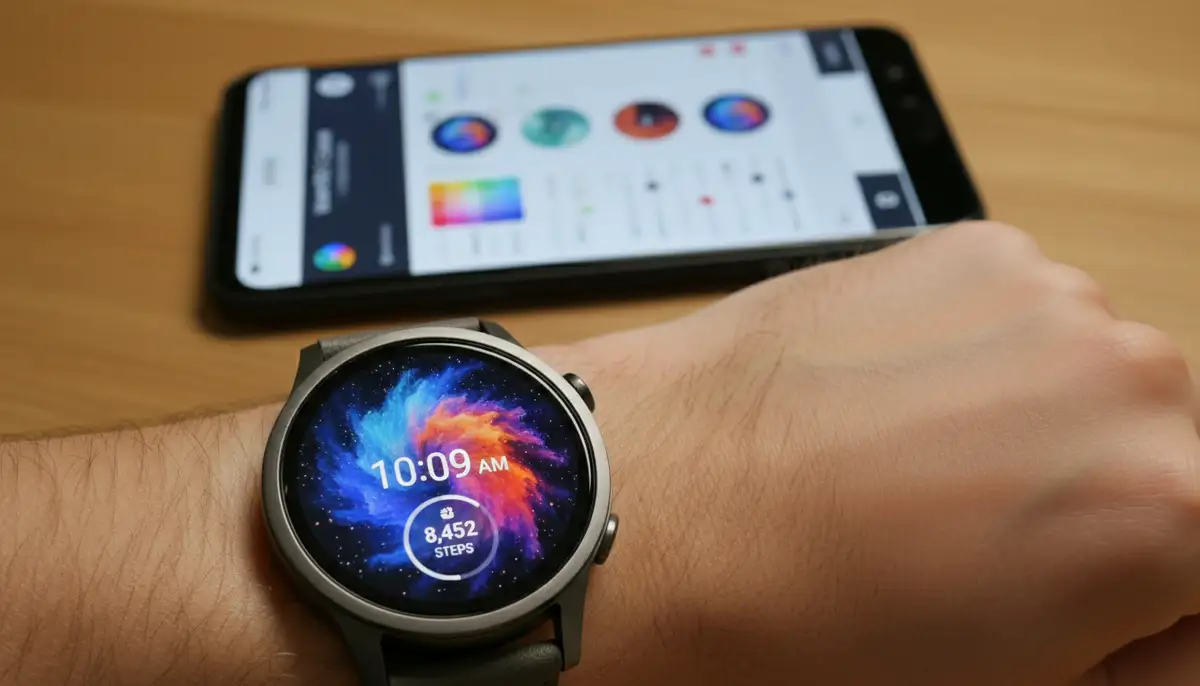
The internet itself relies on extremely precise time, provided by Network Time Protocol (NTP) servers. These servers distribute highly accurate time data, derived from atomic clocks, across computer networks. Your smartphone, computer, and many smart devices automatically connect to NTP servers to keep their internal clocks synchronized. This happens seamlessly in the background. It's the hidden force behind much of our digital timekeeping.
When your smartwatch syncs with your phone, it ultimately benefits from this global network of NTP servers. This ensures that the time displayed on your wrist is consistent with virtually every other internet-connected device worldwide. It’s a testament to the power of networked precision. This makes the process of how to sync a watch almost entirely automatic in the digital realm.
GPS Syncing for Outdoor Watches
For adventurers, athletes, and professionals who rely on precise location and time in remote areas, GPS-enabled watches offer another layer of synchronization. Brands like Garmin and Suunto often incorporate GPS receivers into their watches. These devices can use satellite signals not only for navigation but also for incredibly accurate timekeeping. GPS satellites carry atomic clocks, providing highly precise time data.
When a GPS watch acquires a satellite signal, it can automatically correct its time and date, including adjusting for local time zones. This is invaluable for activities like hiking, ultrarunning, or military operations where network connectivity might be absent. It ensures your watch is always perfectly aligned with global time standards, regardless of your location. This is a powerful way to sync a watch for demanding situations.
Maintaining Your Watch's Accuracy Over Time
Knowing how to sync a watch is just one part of the equation. To ensure your timepiece remains accurate over its lifespan, proper maintenance is also essential. This varies significantly depending on the type of watch you own. Regular care prevents deviations and prolongs accuracy.
For mechanical watches, periodic servicing by a qualified watchmaker is crucial. Mechanical movements contain many tiny, intricate parts that require lubrication and adjustment. Over time, these parts can wear down or the lubricants can dry up, leading to inaccuracies. Learning about mastering watch regulation can provide deeper insights into keeping your mechanical watch in top shape. Regular regulation helps maintain its precision.
For smartwatches, maintaining accuracy primarily involves keeping both the watch's operating system and its companion app updated. Software updates often include bug fixes and performance enhancements that can improve timekeeping stability. Additionally, ensuring a stable connection to your smartphone is paramount. If you have a chronograph feature, a detailed guide on how to set a chrono watch can help you master its specific functions and ensure it runs accurately.
The Future of Watch Syncing
As technology continues to evolve, so too will the methods for how to sync a watch. We can anticipate even more seamless and automatic synchronization in the coming years. Imagine watches that use ultra-low power wireless protocols to maintain perfect time without constant phone connection. Or perhaps watches that leverage AI to predict and correct for environmental factors affecting accuracy. The possibilities are exciting.
The integration between smartwatches and other smart devices will only deepen. Your watch might soon sync not just with your phone, but directly with your smart home, car, and even public transportation systems, providing hyper-localized, real-time information. Companies like WatchMaker are at the forefront of enhancing the user experience, offering thousands of customizable watch faces for Apple Watch and Wear OS devices. We believe in providing both precision and personalization.
Innovators and platforms such as buddywatch.app, amoledwatchfaces.com, and Pujie Black continue to push the boundaries of watch customization and functionality. They demonstrate the vibrant future of wearable technology. The goal remains consistent: to ensure you always have the most accurate and relevant time on your wrist, effortlessly. This ongoing evolution will make knowing how to sync a watch even more intuitive.
Conclusion: Master the Art of Time
Understanding how to sync a watch is a fundamental skill in our increasingly time-sensitive world. Whether you prefer the classic appeal of an analog timepiece or the advanced features of a smartwatch, maintaining accurate time is crucial. We've explored various methods, from manual adjustments to sophisticated digital synchronization. You now have the knowledge to ensure your watch always keeps perfect time.
By applying the techniques and troubleshooting tips outlined in this guide, you can confidently manage your watch's accuracy. This ensures you stay punctual and organized in all aspects of your life. A well-synced watch is more than just a device; it's a reliable companion. It helps you navigate your day with confidence.
Don't let inaccurate time hold you back. Take control of your timekeeping today. For those looking to further personalize their smartwatch experience, explore our extensive collection and download watch faces that match your style and needs. We are dedicated to helping you make the most of your timepiece. Enjoy the peace of mind that comes with perfect time on your wrist!

Related Posts

The Watch Face Mistake Almost Every New Garmin Owner Makes
There's a predictable arc to owning a new Garmin. Day one, you install a watch face that shows everything: heart rate, steps, battery, weather, two time zones,...

The Ultimate Apple Watch Strap Guide: Find Your Perfect Fit & Style in 2025
Introduction: Your Essential Apple Watch Strap Guide for 2025 Your Apple Watch is more than just a gadget. It's a personal statement, a fitness tracker, and a...