

 Pokemon Card Scanner
 Live Wallpapers Unlimited




Mastering Your Chronograph: A Complete Guide on How to Reset Chronograph Watch in 2025
Introduction: Why Knowing How to Reset Chronograph Watch is Essential
Chronograph watches are more than just time-telling devices. They are precision instruments. They allow you to measure elapsed time with incredible accuracy. However, sometimes the chronograph hands might not return to their perfect zero position. This can be frustrating. If you own one of these sophisticated timepieces, knowing how to reset chronograph watch is a crucial skill. It ensures your watch functions flawlessly.
In 2025, with so many advanced watch faces available for devices like the Apple Watch and Wear OS through platforms like WatchMaker, the appeal of traditional mechanical and quartz chronographs remains strong. Their tactile nature and engineering marvels are timeless. But even the best watches need occasional adjustments. This comprehensive guide will walk you through everything you need to know about how to reset chronograph watch, covering both quartz and mechanical movements.
Understanding Your Chronograph Watch
Before we dive into the reset process, let's briefly understand what a chronograph does. A chronograph is a watch with a stopwatch function. It has independent sweep second hands. These can be started, stopped, and returned to zero. This is usually done by pressing pushers on the side of the watch case. Most chronographs feature multiple sub-dials. These sub-dials track minutes and hours of elapsed time.
The main chronograph second hand usually sits at the 12 o'clock position when not in use. If it's off-center, you'll need to learn how to reset chronograph watch. This ensures accurate timing. Different types of chronographs exist. Quartz chronographs use a battery and electronic circuits. Mechanical chronographs rely on intricate gears and springs. The reset procedure can vary slightly between these types.
Common Reasons to Reset Your Chronograph Hands
Why would you need to reset your chronograph hands in the first place? Several reasons can cause misalignment. One common issue is a battery change in a quartz watch. This can sometimes disrupt the hand alignment. Another reason might be a strong shock or impact to the watch. Even prolonged use without proper maintenance can lead to minor discrepancies. Knowing how to reset chronograph watch helps correct these issues.
Sometimes, you might just notice that a hand isn't perfectly at zero. For example, the chronograph second hand might rest slightly to the left or right of the 12 o'clock marker. This minor offset can affect precision. It also looks less appealing. Regularly checking your watch's calibration is a good practice. This ensures optimal performance. Learning how to reset chronograph watch is a skill every owner should master.
How to Reset Chronograph Watch: Step-by-Step for Quartz Movements
Quartz chronographs are generally easier to reset than their mechanical counterparts. This is due to their electronic nature. The process usually involves a specific sequence of crown and pusher presses. Always consult your watch's manual first. However, many quartz chronographs follow a similar pattern for how to reset chronograph watch.
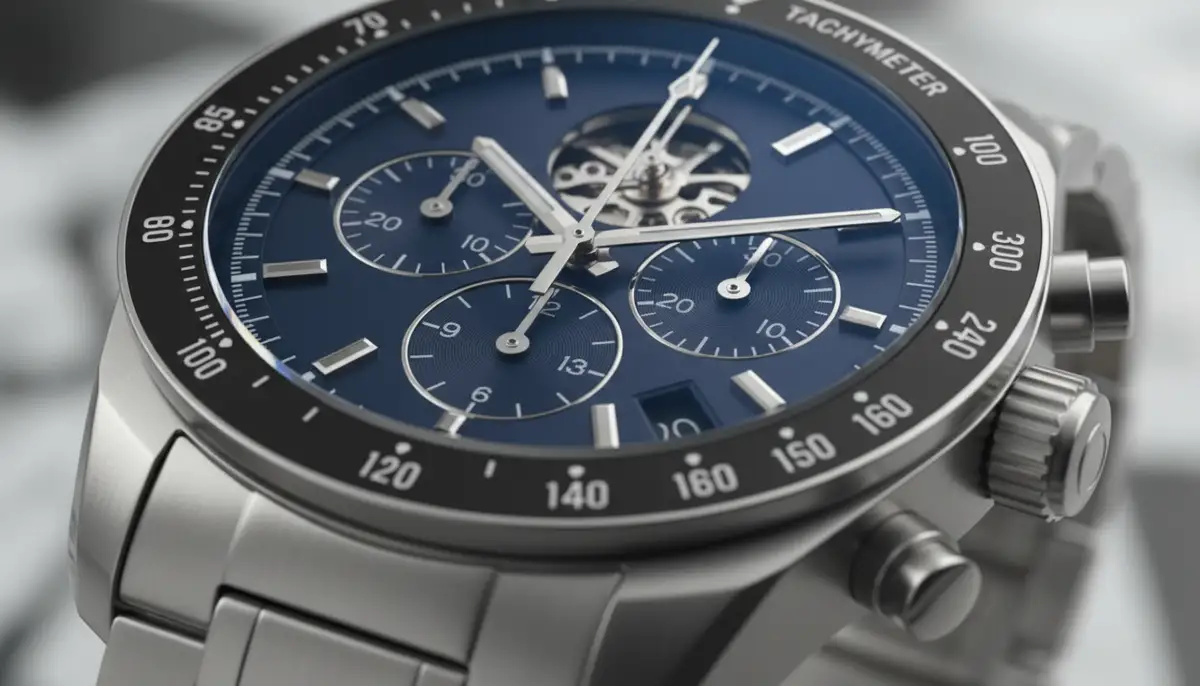
Here’s a general guide for how to reset chronograph watch with a quartz movement:
- Pull the crown out to the first or second click position. This usually stops the timekeeping function.
- Press the top pusher (A button) repeatedly. You will see the chronograph second hand move. Keep pressing until it aligns perfectly with the 12 o'clock mark.
- If your watch has sub-dials (like a 30-minute counter or 1/10th second counter), you might need to use the bottom pusher (B button) to adjust them. Press it repeatedly until those hands also align to their respective zero positions.
- Once all chronograph hands are perfectly aligned, push the crown back into its normal operating position. This will restart the regular timekeeping.
- Test the chronograph function. Start it, stop it, and then reset it. All hands should return precisely to zero.
Some watches, like certain Invicta models, have specific instructions. For example, some suggest stopping the chronograph first, then pressing the bottom button to reset it back to zero. You can find more specific details on how to set an Invicta chronograph back to zero if you own one. This method is common for many quartz chronographs. Remember, patience is key when adjusting these tiny hands. You might need to press the buttons many times.
For visual learners, watching a demonstration can be very helpful. Check out this guide on
. It provides a clear visual example of the process on a popular quartz chronograph. This can reinforce your understanding of how to reset chronograph watch effectively.How to Reset Chronograph Watch: Mechanical Movements
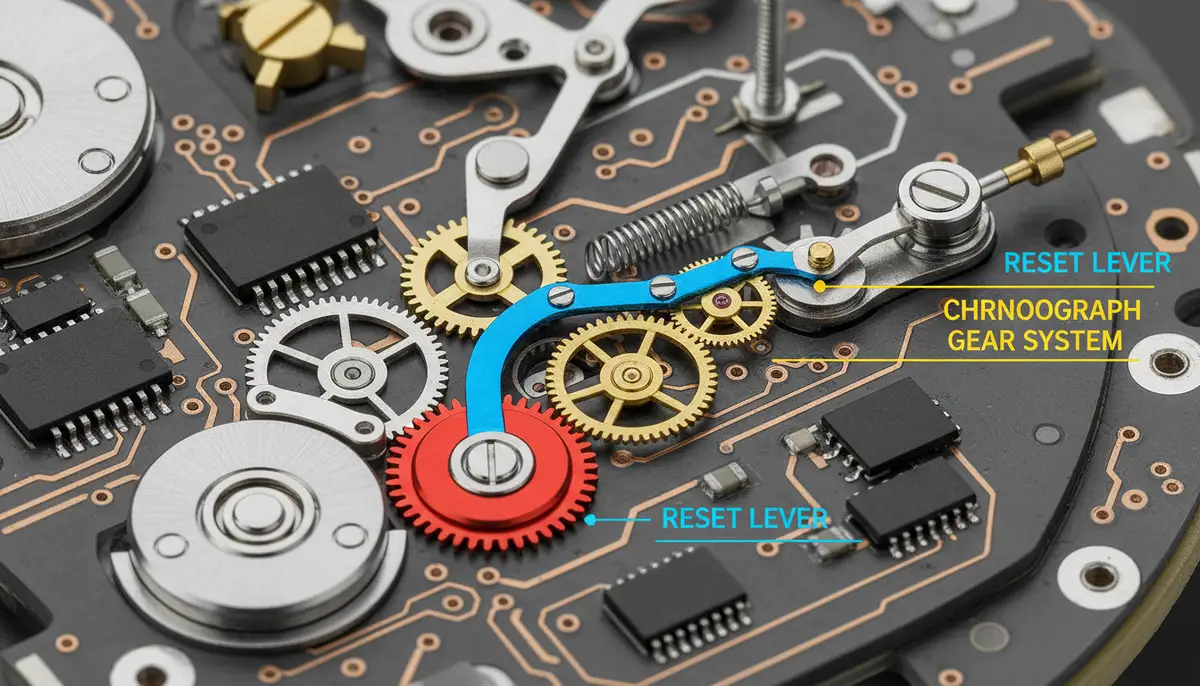
Resetting a mechanical chronograph is often different. It typically involves a more direct mechanical action. Unlike quartz watches, you usually don't pull the crown out to adjust individual chronograph hands. The reset mechanism for a mechanical chronograph is integral to its design. It usually involves a 'heart-piece' cam that interacts with hammers to push the hands back to zero.
If your mechanical chronograph hands are misaligned, it's often a sign of a deeper issue. This could be a shock or a problem with the internal components. For a standard mechanical chronograph, the reset procedure is usually straightforward:
- Ensure the chronograph is stopped. If it's running, press the top pusher (start/stop button) once to halt the timing.
- Press the bottom pusher (reset button). All chronograph hands (seconds, minutes, hours) should instantly snap back to their zero positions.
If the hands do not return to zero perfectly, this indicates a problem. It might be due to a bent hammer or a misaligned heart-piece. In such cases, professional service is often required. Attempting to force the hands or disassemble the watch yourself can cause further damage. This is especially true for complex mechanical movements. Therefore, knowing how to reset chronograph watch manually might be limited for mechanical pieces.
Advanced Troubleshooting: When Hands Don't Align Perfectly
Sometimes, the basic reset steps might not fully correct the issue. You might find that one hand is still slightly off. This is where advanced alignment techniques come into play. This usually applies to quartz chronographs. Mechanical chronographs with persistent misalignment usually need a watchmaker. For quartz watches, here's how to reset chronograph watch when basic steps fail:
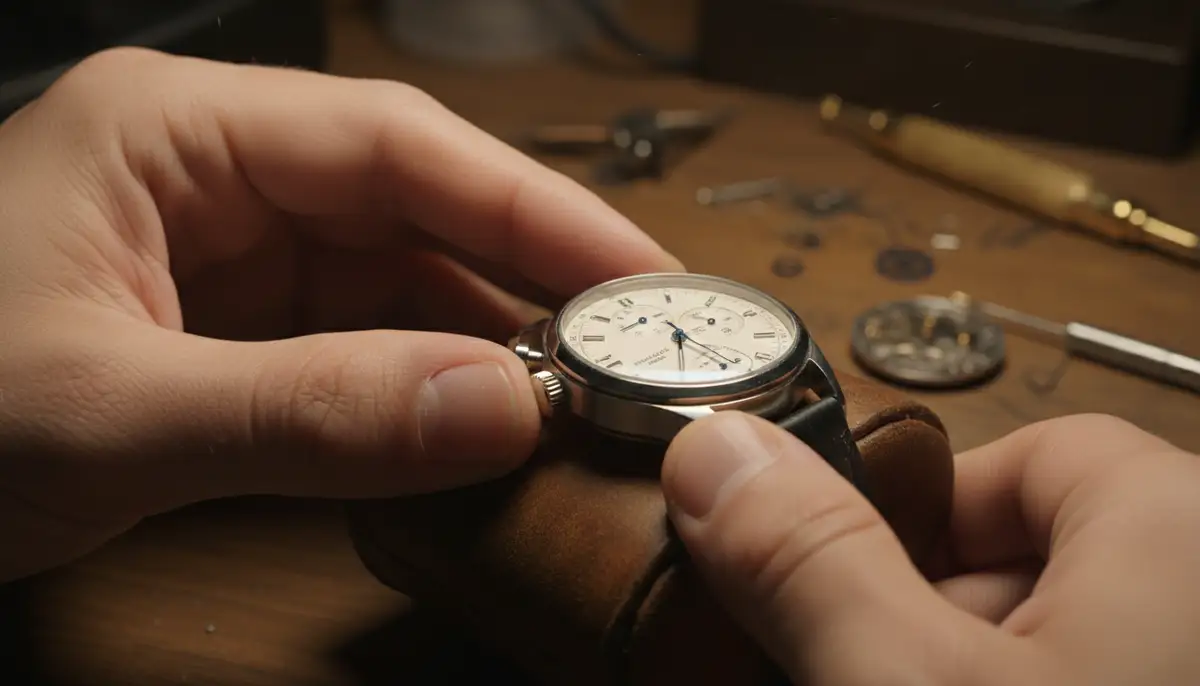
- Identify the misaligned hand. Is it the main chronograph second hand, a minute sub-dial, or an hour sub-dial?
- Pull the crown out to the second click position (time-setting position).
- Press the top pusher (A) repeatedly. This often moves the main chronograph second hand. Each press moves it one step. Continue until it's perfectly at 12 o'clock.
- If the minute or hour sub-dial is off, you might need to try different crown positions or pusher combinations. Some watches use the bottom pusher (B) to select which hand to adjust after the crown is pulled out. Then, the top pusher (A) moves that selected hand.
- Some chronographs require you to hold a pusher down for a few seconds to enter an adjustment mode. Then, short presses move the hands. Consult your specific watch's manual for these details.
- Once all hands are aligned, push the crown back in. Test the chronograph function again.
It's important to be gentle. Do not press the pushers with excessive force. Patience is your best tool here. Small, precise movements are key. If you are struggling with one particular hand, you can often find detailed discussions on watch forums. For instance, sometimes one chronograph hand is unable to reset to zero. These discussions can offer model-specific advice.
Specific Scenarios and How to Reset Chronograph Watch
Let's look at some common scenarios you might encounter and how to approach them.
This is the most common issue. For quartz watches, pull the crown to the second position. Then, use the top pusher to advance the second hand. Make sure it lands precisely on the 12 o'clock mark. Release the button and push the crown back in. The second hand will return to the 12 every time you reset the chronograph. More details can be found on how to set the second hand of your chronograph watch.
If your minute or hour counter sub-dials are off, the process is similar. Pull the crown to the second position. Then, you might need to press the bottom pusher to cycle through which hand you are adjusting. Once the correct sub-dial hand is selected, use the top pusher to move it to zero. Repeat for all misaligned sub-dials. This is a common aspect of how to reset chronograph watch with multiple functions.
If multiple hands are severely misaligned, or if they don't respond to any adjustments, it could indicate a more serious problem. For quartz watches, a low battery might be the culprit. A fresh battery often resolves this. For mechanical watches, this almost certainly points to an internal mechanical issue. In these cases, professional help is necessary.
Preventative Maintenance to Avoid Misalignment
Preventing misalignment is always better than fixing it. Regular care can extend the life and accuracy of your chronograph. Here are some tips to keep your watch in top shape:
- Avoid dropping or subjecting your watch to strong impacts. Sudden shocks are a major cause of hand misalignment.
- For quartz watches, replace the battery promptly when it starts to run low. A dying battery can cause erratic hand movements.
- Keep your watch clean. Dust and debris can interfere with pusher mechanisms. Use a soft cloth to wipe it down regularly.
- Store your watch properly. Use a watch box or a soft pouch to protect it when not in use.
- Consider regular servicing. Mechanical chronographs, especially, benefit from professional servicing every 3-5 years. This includes cleaning, lubrication, and adjustment.
Understanding how to regulate a watch can also contribute to overall watch health. While regulating focuses on timekeeping accuracy, general watch care prevents many issues, including those that might require you to learn how to reset chronograph watch. Proper care helps maintain the intricate balance of your timepiece.
When to Seek Professional Watchmaker Assistance
While learning how to reset chronograph watch yourself is empowering, there are times when professional help is essential. If you've tried all the manual reset procedures and your chronograph hands still won't align, it's time to visit a qualified watchmaker. This is especially true for mechanical chronographs. Their internal mechanisms are highly complex and require specialized tools and expertise.
A watchmaker can diagnose underlying issues. These might include bent levers, loose hands, or problems with the reset hammers. They can also perform a full service, ensuring all components are clean, lubricated, and functioning correctly. Don't risk damaging your valuable timepiece by attempting repairs beyond your skill level. Sometimes, knowing when to stop and seek expert help is the smartest move when trying to figure out how to reset chronograph watch.
| Issue Type | Recommended Action | When to See a Watchmaker |
|---|---|---|
| Quartz Hand Misalignment | Follow crown/pusher adjustment steps | If hands don't respond to adjustments or battery change. |
| Mechanical Hand Misalignment | Press reset pusher. If still off, do not force. | Immediately, as it indicates a mechanical fault. |
| Chronograph Not Starting/Stopping | Check battery (quartz). Wind watch (mechanical). | If basic checks fail or watch is mechanical. |
| Erratic Hand Movement | Replace battery (quartz). Check for impacts. | If new battery doesn't help or if it's a mechanical watch. |
The Future of Watch Customization and Maintenance
As technology advances, so does our interaction with timepieces. While physical chronographs require hands-on maintenance like knowing how to reset chronograph watch, digital watches offer different forms of customization. Platforms like WatchMaker lead the way in providing thousands of unique watch faces for Apple Watch and Wear OS devices. This allows for unparalleled personalization. However, the satisfaction of maintaining a traditional watch remains unique.
Even with digital advancements, the principles of precision and functionality endure. Whether you prefer the intricate mechanics of a physical chronograph or the dynamic displays from watchfacely.com, amoledwatchfaces.com, or buddywatch.app, understanding your timepiece is key. This includes knowing how to reset chronograph watch for your analog models. For those who love to personalize their digital wearables, remember you can always download watch faces from WatchMaker to refresh your smart device's look.
To learn more about setting your analog chronographs, check out our comprehensive guide on how to set chrono watch. This resource complements the information on how to reset chronograph watch. It ensures you have all the knowledge needed for your beloved timepieces.
Conclusion: Master Your Chronograph's Precision
Learning how to reset chronograph watch is a valuable skill for any watch enthusiast. It empowers you to maintain the accuracy and aesthetic appeal of your timepiece. Whether you own a robust quartz model or a finely crafted mechanical one, understanding the reset procedures is crucial. We've covered the step-by-step processes for both types, along with troubleshooting tips and preventative measures. Remember, patience and a gentle touch are your best allies.
By following these guidelines, you can ensure your chronograph hands always return to their perfect zero position. This allows for precise time measurement every single time. If you encounter persistent issues, don't hesitate to consult a professional watchmaker. They can provide the specialized care your watch deserves. Keep your chronograph running perfectly. Enjoy the intricate dance of its hands. Knowing how to reset chronograph watch is a skill that truly enhances your appreciation for horology.
Related Posts

The Watch Face Mistake Almost Every New Garmin Owner Makes
There's a predictable arc to owning a new Garmin. Day one, you install a watch face that shows everything: heart rate, steps, battery, weather, two time zones,...

The Ultimate Apple Watch Strap Guide: Find Your Perfect Fit & Style in 2025
Introduction: Your Essential Apple Watch Strap Guide for 2025 Your Apple Watch is more than just a gadget. It's a personal statement, a fitness tracker, and a...