

 Pokemon Card Scanner
 Live Wallpapers Unlimited




Mastering Your Timepiece: How to Adjust Automatic Watch in 2025
Introduction: Why Knowing How to Adjust Automatic Watch Matters
Automatic watches are marvels of engineering. They combine tradition with intricate mechanics. Unlike quartz watches, they run on kinetic energy. This means they power themselves through your natural wrist movements. However, even these self-winding timepieces need occasional adjustments. Understanding how to adjust automatic watch is a fundamental skill for any owner. It ensures your watch stays accurate and performs optimally. This guide will walk you through everything you need to know in 2025. You will learn the correct methods for setting time and date. You will also discover how to avoid common pitfalls.
Understanding Your Automatic Watch: A Quick Overview
Before diving into the specifics of how to adjust automatic watch, let's quickly review how they work. An automatic watch contains a rotor. This rotor spins with your arm's motion. It winds the mainspring, which stores energy. This stored energy then powers the watch's gears. It drives the hands and other complications like the date. If you don't wear your watch for a while, its power reserve will deplete. The watch will stop. This is when you need to know how to adjust automatic watch to get it running again.
Essential Pre-Adjustment Steps for Your Automatic Watch
Before you begin to adjust automatic watch, a few crucial steps are necessary. These steps prepare your watch and prevent potential damage. Always handle your watch with care. Ensure your hands are clean and dry.
1. Winding Your Watch
If your automatic watch has stopped, it needs some initial power. You can do this by manually winding it. Locate the crown on the side of your watch case. Most automatic watches allow for manual winding. Gently turn the crown clockwise. Do this while it's in its normal, pushed-in position. A good rule of thumb is 20-40 turns. This provides enough power for the watch to start ticking. It also builds up a small power reserve. This ensures the watch has enough energy for setting. You should feel a slight resistance as you wind. Do not overwind, as this can damage the movement.
2. Identifying Crown Positions
The crown is your primary interface for adjusting the watch. It typically has multiple positions. Understanding these positions is key to knowing how to adjust automatic watch correctly. Here are the common ones:
- Position 0 (Pushed In): This is the normal, resting position. In this position, you can usually manually wind the watch by turning the crown clockwise.
- Position 1 (First Pull/Click): This position is typically for setting the date or day. You pull the crown out one click from Position 0.
- Position 2 (Second Pull/Click): This position is for setting the time. You pull the crown out two clicks from Position 0. Often, pulling to this position will 'hack' the movement, meaning the second hand stops. This allows for precise time setting.
Some watches, especially dive watches, have a screw-down crown. You must unscrew it counter-clockwise first. Only then can you pull it out to the setting positions. Remember to screw it back down tightly afterward. This maintains water resistance. For a more detailed look at crown operations, especially for setting the date, you can refer to detailed steps for setting a watch's date and time.
Step-by-Step Guide: How to Adjust Automatic Watch Time
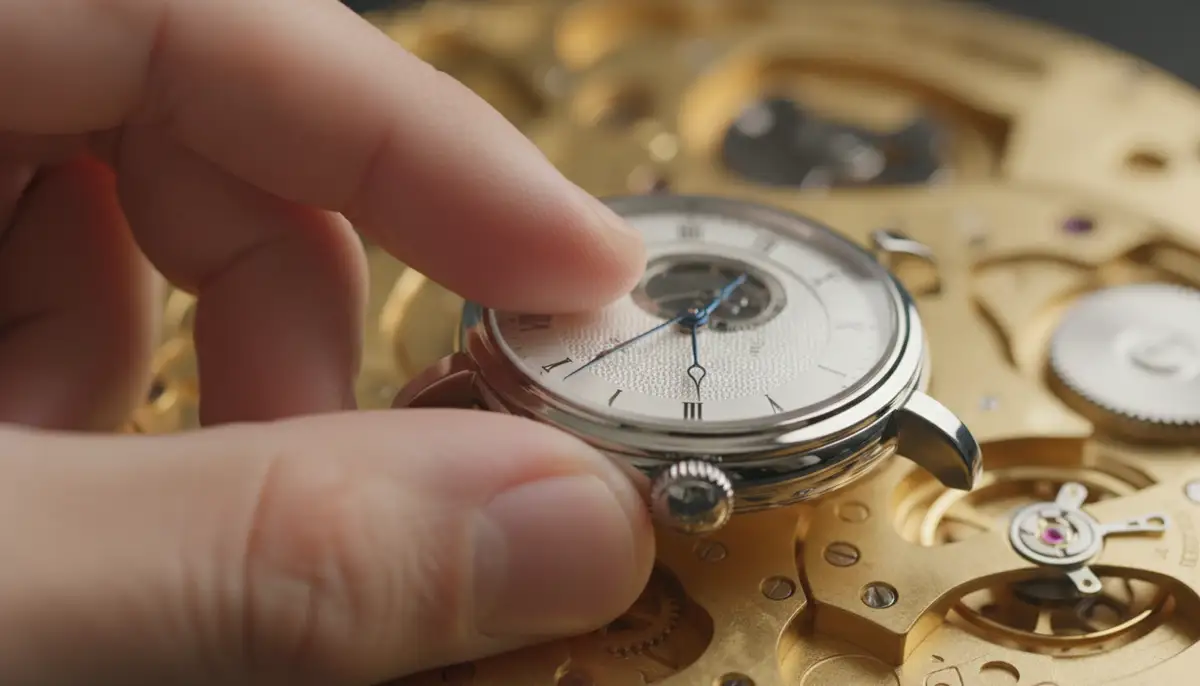
Setting the time on your automatic watch is a straightforward process. However, precision and care are important. Follow these steps to accurately adjust automatic watch time.
1. Prepare Your Watch
First, ensure your watch has some power reserve. Manually wind it if it has stopped. If you have a screw-down crown, unscrew it gently by turning it counter-clockwise. Once loose, pull the crown out to the final time-setting position (Position 2). This is usually the furthest out it will go. The second hand should stop if your watch has a 'hacking' function.
2. Set the Time Forward
Always set the time by turning the hands clockwise. This moves them forward. Turn the crown until the hour and minute hands pass the 12 o'clock mark. Do this twice to ensure you are setting for the correct AM/PM. For example, if it's 3 PM, set it past 12 AM and then to 3 PM. Avoid setting the time backward. This can put unnecessary stress on the movement's gears. Precision is key when you adjust automatic watch hands.
3. Synchronize with a Reference Time
For the most accurate setting, use a reliable time source. This could be your smartphone, a digital clock, or an atomic clock website. Wait until the reference time's second hand reaches 12 o'clock. Then, push the crown back into the winding position (Position 0). Do this at the exact moment the second hand on your reference hits 12. This restarts your watch's second hand precisely. This method ensures you are accurately setting your watch's time. For more tips on precise setting, check out accurately setting your watch's time.
Step-by-Step Guide: How to Adjust Automatic Watch Date and Day
Setting the date and day (if applicable) requires extra caution. There's a 'danger zone' you must avoid. This zone is typically between 9 PM and 3 AM. During this period, the watch's date change mechanism is engaged. Adjusting the date manually can damage the delicate gears. Knowing how to adjust automatic watch date safely is crucial.
1. Move Hands Out of the Danger Zone
First, pull the crown out to the time-setting position (Position 2). Turn the hands clockwise until they are past 3 AM or 9 PM. A safe bet is to set the time to around 6 AM. This ensures the date change mechanism is disengaged. This is a critical step when you adjust automatic watch date.
2. Set the Date (and Day)
Now, push the crown in one click to Position 1. This is the date/day setting position. Turn the crown in one direction to change the date. Turn it in the other direction to change the day (if your watch has a day complication). Set the date to the day before the current date. For example, if today is the 15th, set it to the 14th. This might seem counterintuitive, but it's part of the safe setting process.
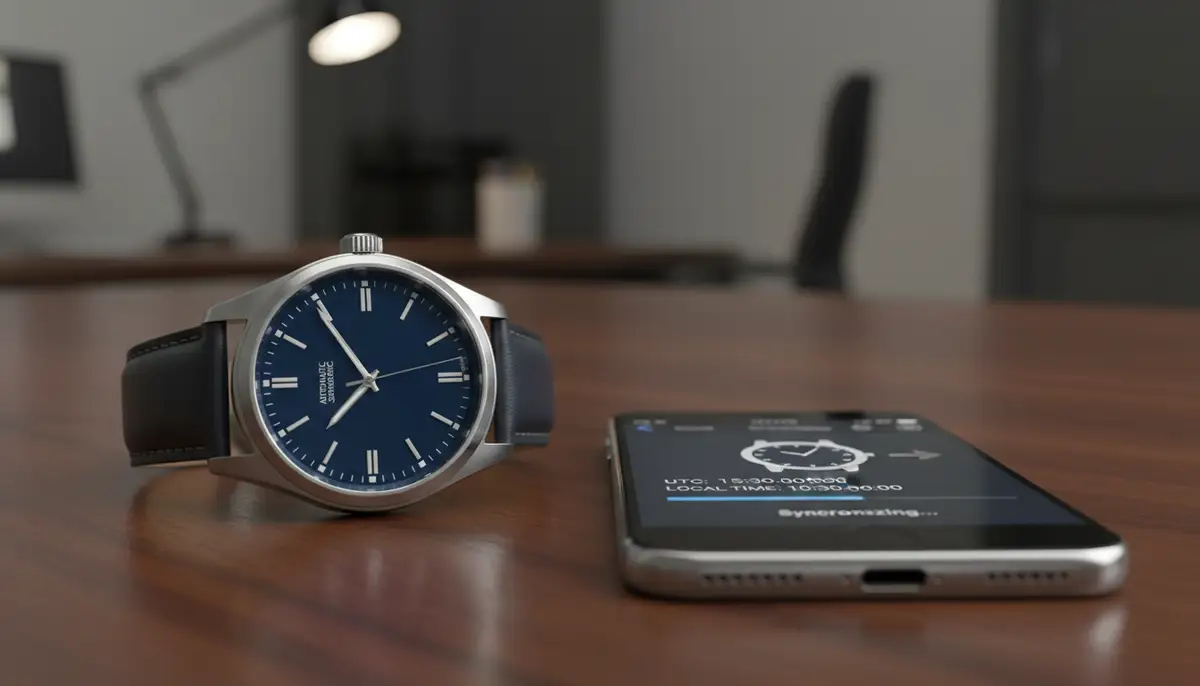
3. Final Time and Date Setting
Once the date is set to the previous day, pull the crown back out to Position 2 (time-setting position). Turn the hands clockwise. Watch the date carefully. As the hands pass midnight, the date will click over to the correct current date. Continue turning the hands until you reach the correct current time. Remember to pass 12 AM/PM correctly. Once the correct time is set, push the crown back into Position 0. If you have a screw-down crown, screw it back in tightly. This completes the process of how to adjust automatic watch date and time.
Common Mistakes to Avoid When You Adjust Automatic Watch
Even with clear instructions, it's easy to make small errors. These mistakes can lead to damage. Avoiding them is key to maintaining your watch's longevity. Here are the most common pitfalls when you adjust automatic watch:
- Adjusting the date or day within the 'danger zone' (typically 9 PM to 3 AM). This is the most common and damaging mistake.
- Forcing the crown. If it feels stiff, do not push it. Re-evaluate the position or consult a professional.
- Setting the time backward. Always turn the hands clockwise.
- Forgetting to screw down a screw-down crown. This compromises water resistance.
- Overwinding a manually wound automatic watch. Stop when you feel resistance.
Many people make simple errors that can harm their watch. Watch this video to see common setting mistakes and how to avoid them:
. It provides a great visual guide on the correct and safe way to set your automatic watch.Maintaining Accuracy: Beyond Basic Adjustment
Knowing how to adjust automatic watch is just one part of watch ownership. Automatic watches are mechanical devices. They can gain or lose a few seconds per day. This is normal. However, if your watch is consistently very fast or slow, it might need regulation. Regulation fine-tunes the movement for better accuracy. This is different from merely setting the time.
Understanding Watch Accuracy
Most automatic watches are considered accurate if they run within +/- 10-30 seconds per day. COSC-certified chronometers are much more precise. They aim for -4 to +6 seconds per day. Factors like temperature, magnetism, and even how you wear your watch can affect its accuracy. If you want to dive deeper into accuracy, a comprehensive guide on how to regulate a watch can provide more insights.
When to Consider Regulation
If your watch's daily deviation falls outside acceptable limits, regulation might be necessary. This is a delicate process. It involves adjusting tiny screws on the balance wheel. While some enthusiasts learn to do it themselves, it often requires specialized tools and expertise. You can learn how to regulate your watch for desired accuracy with proper equipment. However, for most, a professional watchmaker is the best option.
Table: Watch Accuracy Standards
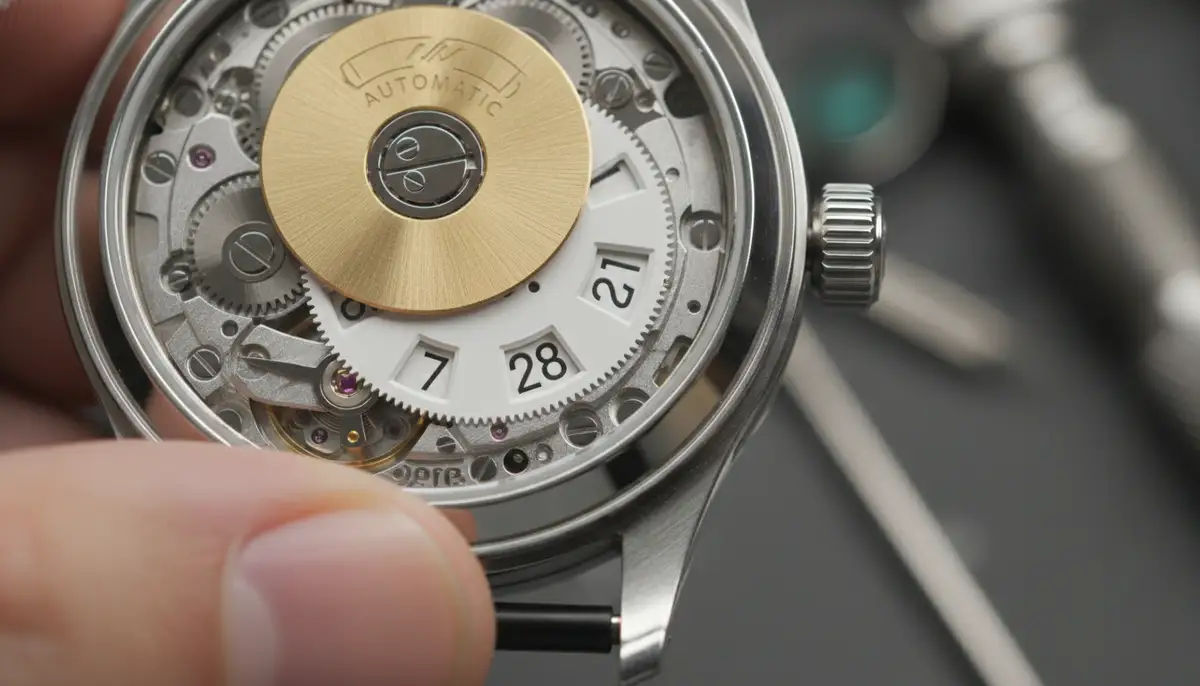
| Standard | Typical Daily Variation |
|---|---|
| Standard Automatic Watch | +/- 10 to 30 seconds |
| COSC Chronometer Certified | -4 to +6 seconds |
| Quartz Watch | +/- 0.5 seconds per day or better |
Servicing Your Automatic Watch
Beyond knowing how to adjust automatic watch, regular servicing is vital. An automatic watch is a miniature machine. It contains many moving parts. These parts need lubrication and cleaning. Most manufacturers recommend a service every 3-5 years. This prevents wear and tear. It also ensures the watch continues to run accurately for decades. A service includes disassembling, cleaning, lubricating, and reassembling the movement. It's an investment in your watch's longevity.
Troubleshooting Common Automatic Watch Issues
Even with proper care and knowledge of how to adjust automatic watch, issues can arise. Here are a few common problems and what they might mean:
Watch Not Running After Winding
If you've manually wound your watch and it still doesn't tick, check the crown. Make sure it's fully pushed in (Position 0). Sometimes, it might be slightly pulled out. If it still doesn't run, it could indicate a more serious internal issue. This might require a watchmaker's attention. A lack of lubrication or a broken component could be the cause.
Date Not Changing at Midnight
This usually means your watch's AM/PM setting is incorrect. If you set the time for 10 AM, but the watch thinks it's 10 PM, the date won't change until noon the next day. To fix this, pull the crown to Position 2. Advance the time by 12 hours. The date should then change at the correct midnight. If it still doesn't work, there might be a problem with the date mechanism itself. This would need professional repair.
Inconsistent Timekeeping
If your watch gains or loses time erratically, it could be magnetized. Magnetism is a common issue in our modern world. Smartphones, laptops, and even magnetic clasps can affect a watch. A watchmaker can easily demagnetize your watch. This often resolves inconsistent timekeeping. Otherwise, it might need regulation or a full service. This is where understanding how to regulate a watch becomes important. You can find more information on mastering your chronograph watch if you also own one of these specialized timepieces, as their setting procedures can differ.
The Future of Timekeeping: Blending Tradition with Technology
While learning how to adjust automatic watch connects you to centuries of horological tradition, the world of timekeeping is always evolving. Smartwatches have introduced a new dimension to how we interact with time. They offer endless customization. This includes digital watch faces that mimic classic designs. They also provide advanced features. This blend of old and new is exciting for watch enthusiasts. Companies like WatchMaker are at the forefront of this innovation. We offer a vast repository of thousands of watch faces for both Apple Watch and Wear OS devices. You can personalize your digital timepiece to reflect any style, from classic to avant-garde. This allows you to carry the spirit of traditional watchmaking into the digital age.
The digital watch face ecosystem is vibrant. Many platforms and communities exist. You can find incredible designs from creators worldwide. Some popular alternatives and complementary solutions include buddywatch.app, Pujie Black, and amoledwatchfaces.com. These platforms offer unique ways to customize your smartwatch experience. However, WatchMaker prides itself on its extensive library and user-friendly interface. It provides unparalleled options for personal expression. Whether you prefer the intricate mechanics of an automatic watch or the digital versatility of a smartwatch, the passion for timepieces endures. You can explore our collection and download watch faces to personalize your device today.
Conclusion: Your Journey to Mastering Your Automatic Watch
Congratulations! You now have a comprehensive understanding of how to adjust automatic watch. You've learned the critical steps for setting the time and date. You also know how to avoid common mistakes. Furthermore, you're familiar with the importance of regulation and regular servicing. Your automatic watch is more than just a time-telling device. It's a piece of art and engineering. With proper care and knowledge, it can serve you reliably for many years. Embrace the ritual of setting your watch. Appreciate the intricate dance of its gears. This connection to your timepiece enhances the ownership experience. Keep these tips in mind every time you need to adjust automatic watch. Enjoy your journey with your timeless companion.
Related Posts

The Watch Face Mistake Almost Every New Garmin Owner Makes
There's a predictable arc to owning a new Garmin. Day one, you install a watch face that shows everything: heart rate, steps, battery, weather, two time zones,...

The Ultimate Apple Watch Strap Guide: Find Your Perfect Fit & Style in 2025
Introduction: Your Essential Apple Watch Strap Guide for 2025 Your Apple Watch is more than just a gadget. It's a personal statement, a fitness tracker, and a...