










 E
E
 E
E



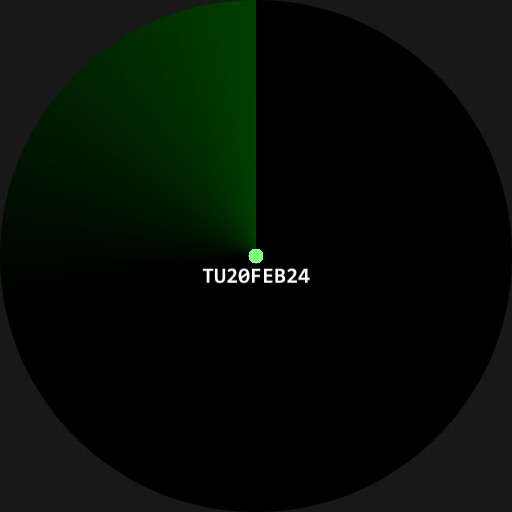

Radar
Radar
Creator

Description
RADARBlips tell you the time as the radar sweeps around warning you of the passage of time overhead.S blip = seconds, M = minutes, H = hours. The centre blip tells you the date.Press the hour blip to toggle 24/12 hours.Double tap near top of screen to enter settings mode. Here you can change the number of radar sweeps per second, the blip fade time, and the resolution of radar accuracy. A fast sweep and low accuracy may fail to pick up some targets.Also in settings, you can change the colours of the radar, blips, and text. You can even randomize all these by tapping the dice.To leave settings, press the green padlock.
Uploaded
17 Dec 2023
Tags
Features
24h Time
Date
Tap Actions
Animation
More Watches by Author


Similar Watches


Watchface Reviews