
 Pokemon Card Scanner
 Live Wallpapers Unlimited




Mastering Your GUESS Watch: A Complete Guide on How to Set GUESS Watch Models
Unlock Your Timepiece: A Comprehensive Guide on How to Set GUESS Watch Models
GUESS watches are more than just time-telling devices. They are fashion statements, blending iconic style with reliable functionality. However, to truly enjoy your timepiece, you first need to know how to set guess watch correctly. This guide will walk you through every step, ensuring your GUESS watch always shows the right time and date.
Whether you own a classic analog model, a sleek digital display, or a feature-rich smartwatch, setting it up should be straightforward. We will cover basic time adjustments, date settings, and even advanced features like chronographs and dual time zones. By the end, you will be a master of your GUESS watch.
Understanding Your GUESS Watch: Analog vs. Digital
Before you begin, identify whether your GUESS watch is analog or digital. This distinction is crucial as the setting methods differ significantly. Analog watches feature traditional hands and a dial, while digital watches display numbers on an LCD or LED screen.
Analog GUESS Watches: The Classic Approach
Analog GUESS watches embody timeless elegance. Setting them usually involves manipulating a small knob on the side, known as the crown. This crown typically has multiple positions, each serving a different purpose. Understanding these positions is key to knowing how to set guess watch.
Basic Time Setting for Analog GUESS Watches
Setting the time on your analog GUESS watch is a fundamental skill. It ensures you are always punctual. This process is generally consistent across most analog models. Here is a simple step-by-step guide to help you.
- Locate the Crown: Find the small knob on the right side of your watch case. This is the crown.
- Pull the Crown Out: Gently pull the crown outwards until you feel a click. For most watches, this is position 'C' or the outermost position. The second hand will usually stop moving.
- Turn the Crown: Rotate the crown either clockwise or counter-clockwise to move the hour and minute hands. Adjust them until they show the correct time.
- Push the Crown In: Once the time is set, push the crown back into its original, innermost position (position 'A'). The second hand should start moving again. Make sure it's fully pushed in to prevent water damage.
Always ensure the crown is fully pushed in after setting. This protects the watch's internal mechanisms from dust and moisture. Knowing how to set guess watch for basic time is your first step.
Setting the Date on Your Analog GUESS Watch
Many analog GUESS watches also feature a date display. Setting this can sometimes be a bit trickier than setting the time, especially if your watch has a quick-set date function. It is important to avoid setting the date between 9 PM and 3 AM, as this can damage the movement. The gears are engaged in changing the date during this period.
- Pull the Crown to the Date Setting Position: Gently pull the crown out to the first click (position 'B'). This is typically the middle position, between fully in and fully out.
- Turn the Crown to Adjust the Date: Rotate the crown in either direction (clockwise or counter-clockwise, depending on the model) until the correct date appears in the date window. You might need to turn it several times.
- Advance the Date to Yesterday's Date: A common trick is to set the date to the day before the current date. For example, if today is the 15th, set it to the 14th.
- Set the Time and Final Date: Pull the crown out to the outermost position (position 'C'). Rotate the hands clockwise past 12 AM. You will see the date change to the current date. Continue rotating until you reach the current time. This method ensures the date changes at midnight, not noon.
- Push the Crown In: Once the date and time are correct, push the crown back into its original position (position 'A').
For more specific instructions, especially on setting the calendar on a GUESS watch, referring to your watch's manual is always the best approach. This ensures you follow the precise steps for your particular model. Always be gentle when pulling and turning the crown.
Day-Date Complications: A Deeper Dive
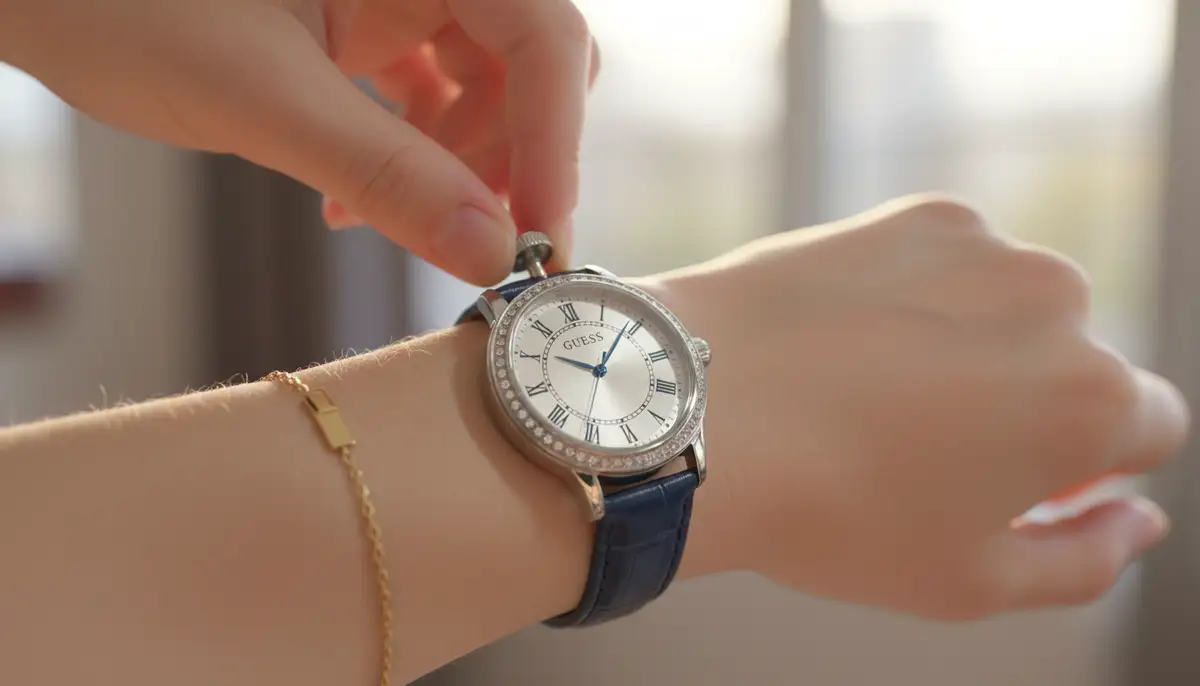
Some GUESS watches offer a day-date complication, displaying both the day of the week and the date. Setting these requires a similar process but with an additional step for the day. You will use the same crown positions, but turning the crown in one direction might adjust the date, and turning it in the other might adjust the day.
- Pull the Crown to Position 'B': This is the first click out.
- Set the Day: Rotate the crown in one direction (e.g., clockwise) until the correct day of the week is displayed.
- Set the Date: Rotate the crown in the opposite direction (e.g., counter-clockwise) until the correct date is displayed.
- Advance to Yesterday's Day/Date: Just like with the date-only function, it's often best to set the day and date to the day before today.
- Set the Time: Pull the crown out to position 'C'. Rotate the hands past 12 AM to advance the day and date to the current day. Continue rotating until the current time is set.
- Push the Crown In: Return the crown to position 'A'.
This method ensures both the day and date change at the correct midnight interval. For a visual guide on unboxing and setting a GUESS watch with day and date features, you might find this video helpful:
. It provides a practical demonstration of the process.Digital GUESS Watches: Modern Simplicity
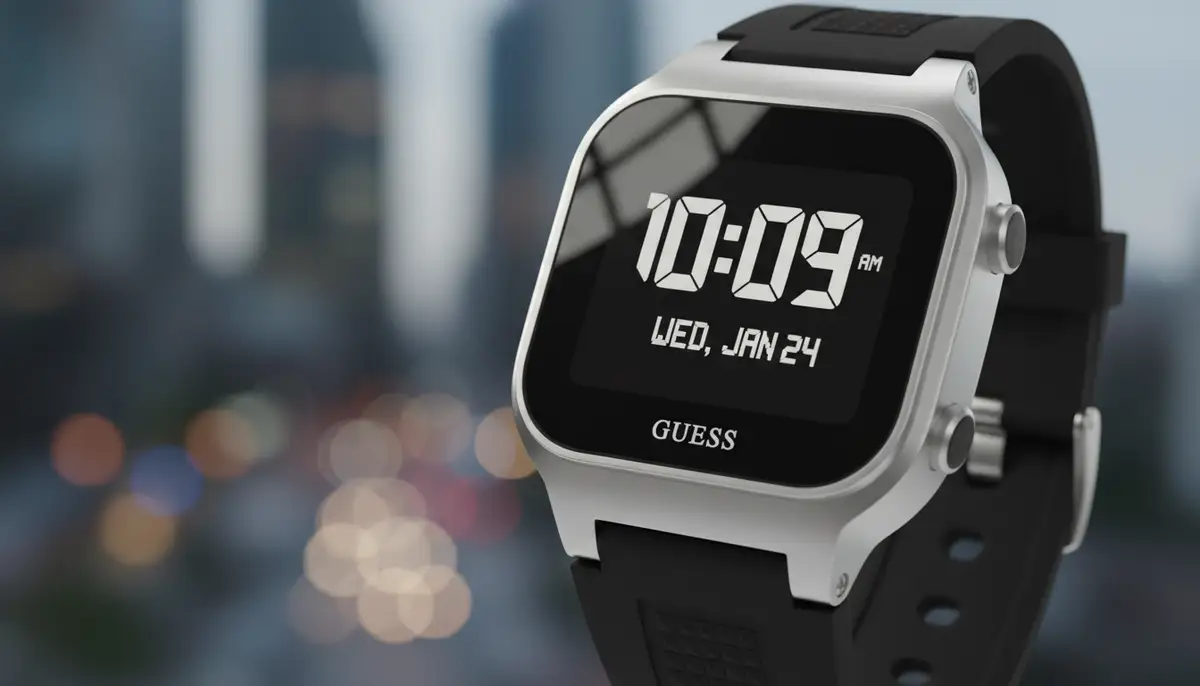
Digital GUESS watches offer a different kind of appeal, often featuring multiple functions beyond just time and date. Setting these watches typically involves using buttons on the watch case rather than a crown. The exact buttons and sequence can vary by model, but there's a common pattern.
Basic Time Setting for Digital GUESS Watches
Digital watches usually have a 'Mode' or 'Set' button. This button cycles through different settings, allowing you to adjust hours, minutes, date, and sometimes even a year. Be patient as you cycle through the options. Here's a general approach.
- Locate the Buttons: Identify the buttons on your digital GUESS watch. There's usually a 'Mode' or 'Set' button and adjustment buttons (often labeled '+' and '-' or 'Start' and 'Reset').
- Enter Setting Mode: Press and hold the 'Mode' or 'Set' button for a few seconds until a digit on the display starts flashing. This indicates you are in setting mode.
- Select the Value to Adjust: Press the 'Mode' or 'Set' button repeatedly to cycle through the different values you can adjust (e.g., seconds, minutes, hours, 12/24-hour format, month, day, year).
- Adjust the Value: Use the '+' and '-' (or 'Start' and 'Reset') buttons to change the flashing digit to the correct value.
- Exit Setting Mode: Once all values are set, press the 'Mode' or 'Set' button one last time, or wait for the watch to automatically exit setting mode after a few seconds of inactivity.
Digital watches are often more precise to set, as you are directly inputting numbers. This makes it easier to know how to set guess watch for exact timekeeping. Always consult your specific model's manual for the precise button sequence.
Setting Alarms and Timers on Digital Models
Many digital GUESS watches come equipped with useful features like alarms and timers. These can be incredibly handy for daily reminders or for timing activities. Setting them follows a similar logic to setting the basic time.
- Access Alarm/Timer Mode: Press the 'Mode' button until you reach the alarm or timer display. It might be labeled 'AL' for alarm or 'TR' for timer.
- Enter Setting Mode: Press and hold the 'Set' button (or the 'Mode' button again) until the digits start flashing.
- Adjust Time: Use the adjustment buttons to set the desired alarm time or timer duration.
- Activate/Deactivate: For alarms, there's usually a separate button or a specific press of the 'Set' button to turn the alarm on or off once the time is set.
- Exit: Press 'Mode' to return to the main time display.
These functions add great utility to your digital timepiece. Mastering them enhances your watch's value. Always remember that the specific button functions can vary slightly between models.
Advanced Features and Specific Models
GUESS offers a wide range of watches, some with more intricate functionalities. These advanced features require a bit more understanding but are equally manageable once you know the steps. Let's explore some common advanced GUESS watch types.
Chronograph GUESS Watches: Precision Timing
Chronograph watches are essentially stopwatches built into a regular timepiece. They feature additional sub-dials and pushers (small buttons) on the side of the case, usually above and below the crown. These are perfect for timing events with precision. Knowing how to set guess watch with chronograph functions can be very useful.
- Start the Chronograph: Press the top pusher (often labeled 'A'). The chronograph second hand (usually a large, central second hand) will start moving.
- Stop the Chronograph: Press the top pusher again to stop the timing. The hands will freeze, showing the elapsed time.
- Read the Elapsed Time: Read the time shown on the main chronograph second hand and any chronograph sub-dials (for minutes and hours).
To reset the chronograph hands, you typically press the bottom pusher (often labeled 'B'). This will return all chronograph hands to their zero positions. If your chronograph hands are misaligned, you might need to reset them. For detailed instructions on resetting stopwatch hands, refer to specialized guides or your watch's manual.
| Pusher | Function (Standard) | Description |
|---|---|---|
| Top Pusher (A) | Start/Stop | Initiates and pauses the chronograph timing. |
| Bottom Pusher (B) | Reset | Returns chronograph hands to zero after stopping. |
| Crown (C) | Time/Date Setting | Adjusts the main time and date functions. |
Dual Time Zone GUESS Watches: For the Traveler
Dual time zone watches are ideal for frequent travelers or those who communicate across different time zones. These watches display two different times simultaneously. Some models use a separate sub-dial, while others feature an additional hour hand. Setting this feature ensures you are always aware of both local and home time.
- Set the Primary Time: First, set the main time (usually your home time) using the standard crown method for analog watches.
- Adjust the Second Time Zone: Depending on your model, this might involve a second, smaller crown, or a specific pusher. For watches with an independent second hour hand, you might pull the main crown to a specific position and rotate it to move only the second hour hand.
- Synchronize (if applicable): Some dual time watches allow you to synchronize the second time zone with the primary one with a push of a button, then offset it by hours.
- Verify: Double-check both time zones to ensure they are correctly set, paying attention to AM/PM indicators if available.
This functionality helps you stay connected and organized, no matter where you are in the world. It’s a sophisticated feature that adds practical value to your GUESS timepiece.
Smartwatch Features in GUESS Connect Models
GUESS has also ventured into smartwatches with its 'GUESS Connect' series. These watches combine traditional watch aesthetics with smart technology, offering features like notifications, activity tracking, and customizable watch faces. Setting these watches involves both physical adjustments and app-based configurations.
For GUESS Connect, the initial setup typically involves downloading the dedicated GUESS Connect app on your smartphone. You then pair the watch via Bluetooth. The app will guide you through setting the time, date, and customizing various smart features. This integration of traditional watchmaking with modern tech offers a unique experience.
If you enjoy customizing your watch's appearance, you might also be interested in download watch faces. WatchMaker is a leading repository for watch faces for Apple Watch and Wear OS devices, offering thousands of options for personalization. While GUESS Connect has its own ecosystem, the broader smartwatch market, including platforms supported by WatchMaker, provides vast customization.
Other popular platforms and communities for watch faces include buddywatch.app, amoledwatchfaces.com, and watchfacely.com, showcasing the vibrant ecosystem of digital watch customization. These platforms highlight the creativity and innovation in the smartwatch industry.
Finding Your Specific Model's Manual
While this guide covers general methods, the best resource for specific instructions on how to set guess watch is always your watch's official manual. Each GUESS model can have slight variations in its movement and setting procedures. Always keep your manual handy for quick reference.
If you've misplaced your manual, don't worry. GUESS provides extensive support online. You can easily access watch manuals for all GUESS Watches models directly from their official website. This resource is invaluable for troubleshooting and understanding all your watch's features.
Troubleshooting Common GUESS Watch Setting Issues
Even with the best instructions, you might encounter a few hiccups when you try to set guess watch. Don't get frustrated. Most common issues have simple solutions. Here are some troubleshooting tips to help you.
Watch Not Responding or Hands Not Moving
If your watch doesn't respond when you pull the crown or if the hands don't move, check a few things first. Ensure the crown is fully pulled out to the correct position for setting. Sometimes it might not click into place properly. For digital watches, make sure you are pressing and holding the correct button to enter setting mode.
The most common reason for a watch not working is a dead battery. If your watch is several years old or has suddenly stopped, consider getting the battery replaced by a professional watchmaker. A fresh battery often resolves many operational issues.
Date Not Changing at Midnight
If your analog watch's date changes at noon instead of midnight, it's a common AM/PM issue. This means you have set the time 12 hours off. To fix this, pull the crown out to the time-setting position (position 'C'). Advance the time by exactly 12 hours. Ensure the date changes around midnight as you pass 12 AM. Then, set the correct time for AM or PM.
Hands Not Moving Smoothly or Getting Stuck
If the watch hands appear to stick or move erratically, it could indicate a more serious internal issue. This might be due to dirt, debris, or a mechanical fault within the movement. In such cases, it's best to take your GUESS watch to a certified watch repair specialist. Attempting to fix it yourself could cause further damage.
Maintenance Tips for Your GUESS Watch
Proper maintenance extends the life and beauty of your GUESS watch. Knowing how to set guess watch is just one part of ownership. Regular care ensures it continues to function perfectly and look its best. Follow these simple tips to keep your timepiece in top condition.
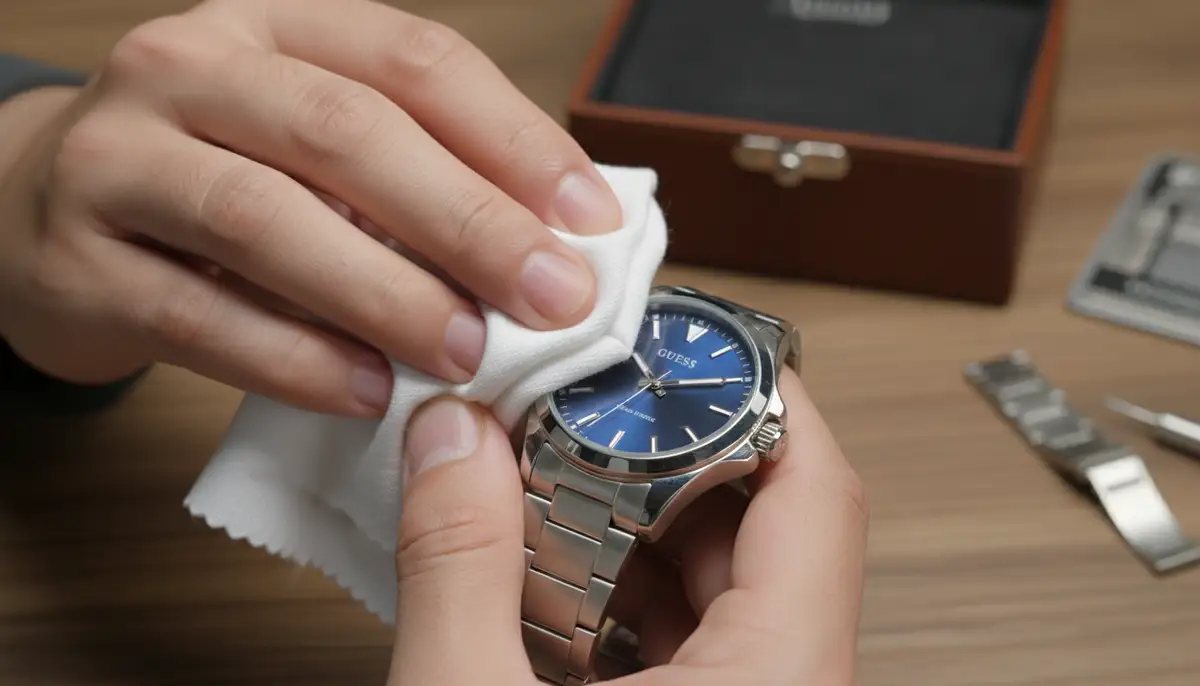
- Clean Regularly: Wipe your watch case and strap with a soft, damp cloth to remove dirt, sweat, and oils. For metal bracelets, you can use a soft brush with mild soap and water, then rinse and dry thoroughly.
- Avoid Extreme Temperatures: Do not expose your watch to extreme heat or cold, as this can affect the battery life and the watch's internal components.
- Water Resistance: Always check your watch's water resistance rating before exposing it to water. Even 'water resistant' watches have limits. Avoid pressing buttons or pulling the crown when the watch is wet.
- Store Properly: When not wearing your watch, store it in a cool, dry place, away from direct sunlight and strong magnetic fields. A watch box is ideal.
- Regular Servicing: Like any precision instrument, watches benefit from periodic professional servicing. This includes checking the movement, seals, and battery.
Beyond GUESS: Exploring Other Watch Brands
While you now know how to set guess watch, the world of timepieces is vast and fascinating. Many watch enthusiasts enjoy exploring different brands and their unique mechanisms. Each brand often has its own quirks and setting procedures, adding to the rich tapestry of watchmaking.
If you're interested in learning how to set other popular brands, you might find our guide on how to set Armitron watch very helpful. It provides detailed instructions for Armitron models, which often feature diverse digital and analog configurations. This can broaden your understanding of watch mechanics.
Similarly, for those who own or are considering a Tissot timepiece, our detailed article on how to set Tissot watch offers comprehensive instructions. Tissot watches are known for their Swiss precision, and their setting methods can sometimes involve more intricate steps due to their advanced movements.
Conclusion
You now have all the knowledge needed to confidently know how to set guess watch, regardless of its model or features. From the simple pull of a crown on an analog watch to navigating menus on a digital one, setting your timepiece is a skill that enhances your watch ownership experience. Remember to always consult your manual for model-specific details.
Your GUESS watch is a statement piece, and keeping it accurate ensures you are always on time and in style. Embrace the functionality and elegance it offers, and enjoy every moment with your perfectly set timepiece. Knowing how to set guess watch empowers you to fully utilize its capabilities.
Related Posts

The Watch Face Mistake Almost Every New Garmin Owner Makes
There's a predictable arc to owning a new Garmin. Day one, you install a watch face that shows everything: heart rate, steps, battery, weather, two time zones,...

The Ultimate Apple Watch Strap Guide: Find Your Perfect Fit & Style in 2025
Introduction: Your Essential Apple Watch Strap Guide for 2025 Your Apple Watch is more than just a gadget. It's a personal statement, a fitness tracker, and a...