
 Pokemon Card Scanner
 Live Wallpapers Unlimited




Mastering Your Time: A Complete Guide on How to Adjust Casio Watch Time
Introduction: Why Knowing How to Adjust Casio Watch Time is Essential
Your Casio watch is a reliable companion, but even the best timekeepers need occasional adjustments. Whether you've traveled across time zones, experienced a Daylight Saving Time change, or simply replaced a battery, knowing how to adjust Casio watch time is a fundamental skill. This comprehensive guide will walk you through the process for various Casio models, ensuring your watch always displays the correct time. We'll cover everything from basic digital adjustments to more complex analog-digital combinations. By the end, you'll be a pro at keeping your Casio perfectly synchronized.
Understanding Your Casio Watch: Buttons and Functions
Before diving into the specifics of how to adjust Casio watch time, it's helpful to understand the common buttons and their typical functions. Most Casio watches feature a similar layout, though labels might vary slightly. Familiarizing yourself with these controls is the first step to mastering your watch's settings.
- Adjust/Set Button (A): Usually top-left. Hold this button to enter or exit the setting mode.
- Mode Button (M): Often bottom-left. Press this to cycle through different modes like timekeeping, alarm, stopwatch, and timer.
- Search/Forward Button (S): Typically top-right. Used to increment values or move forward through settings.
- Reverse/Light Button (L): Often bottom-right. Used to decrement values or activate the backlight. On some models, it might be solely for light.
- Crown (for Analog models): A small knob on the side of the watch case, used to set analog hands.
Understanding these basic controls is crucial. They are your primary tools for navigating the watch's menu and performing any necessary adjustments. Always refer to your specific model's manual for exact button labels and functions if you're unsure.
How to Adjust Casio Watch Time: Digital Models (Standard Procedure)
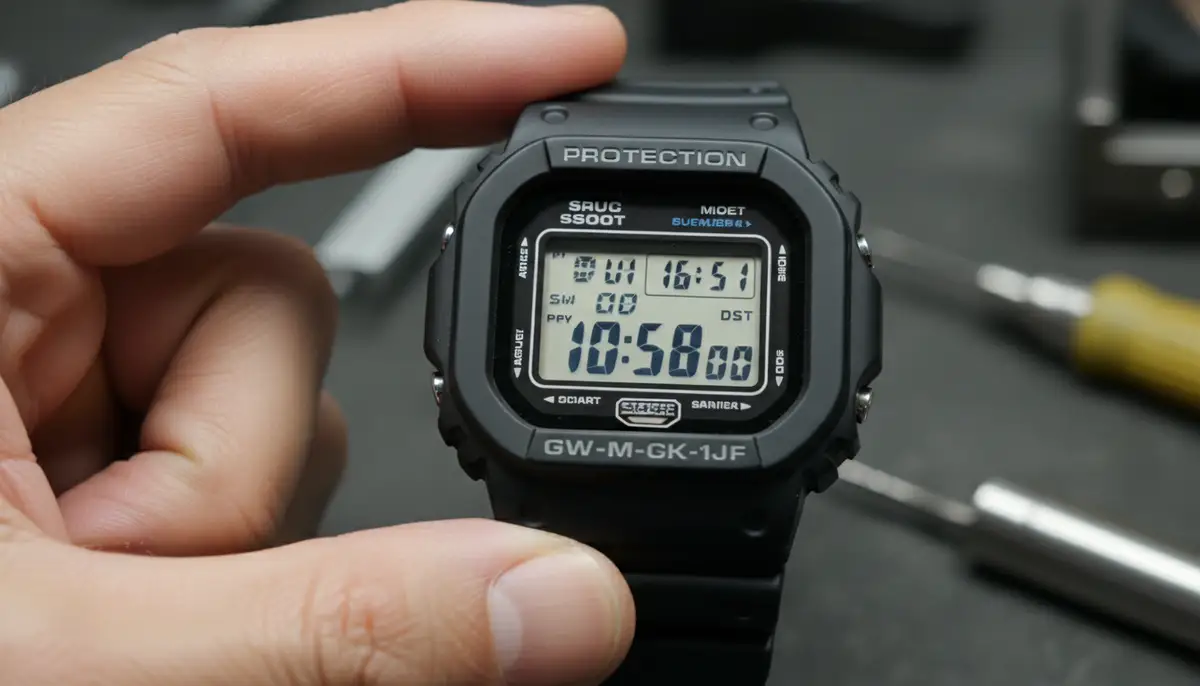
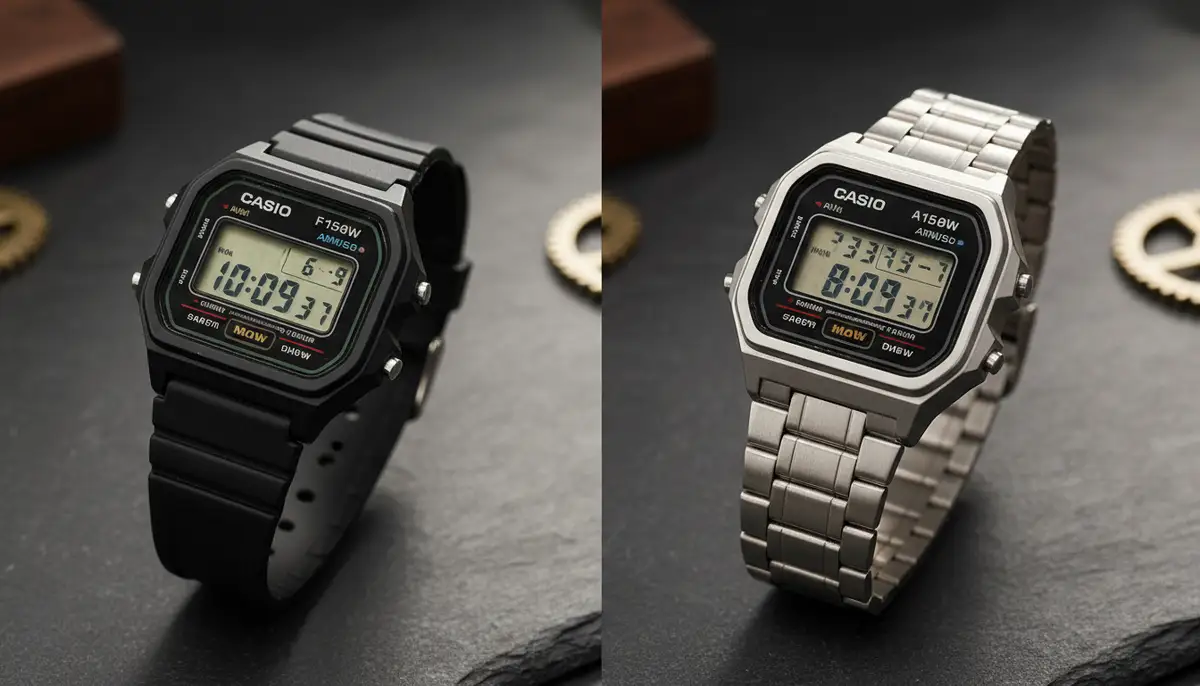
Most digital Casio watches follow a similar procedure for setting the time. This method applies to many popular models, including standard Casio F-series, A-series, and many G-Shock models without advanced features. If you're wondering how to adjust Casio watch time on one of these, start here.
- Step 1: Enter Time Setting Mode. From the regular timekeeping screen, press and hold the 'Adjust' or 'Set' button (usually labeled 'A' or 'ADJUST') for a few seconds. You will see the seconds digits begin to flash, indicating you are in setting mode. This is the first crucial step to change the time on Casio watches.
- Step 2: Select the Setting Item. Use the 'Mode' button (often labeled 'M') to cycle through the different settings. You'll typically go through seconds, hour, minute, year, month, date, and sometimes Daylight Saving Time (DST) or 12/24-hour format. Each press of the 'Mode' button will move the flashing selection to the next item.
- Step 3: Adjust the Values. Once you've selected the item you want to change (e.g., hours, minutes), use the 'Search' or 'Forward' button (usually top-right, sometimes 'S' or '+') to increase the value. If your watch has a 'Reverse' button (bottom-right, sometimes 'L' or '-'), you can use it to decrease the value. For seconds, usually, pressing the 'Search' button will reset them to zero.
- Step 4: Confirm Daylight Saving Time (DST). If your region observes DST, ensure this setting is correct. Typically, 'ON' means DST is active, and 'OFF' means it's not. Adjust as needed using the 'Search' or 'Reverse' buttons.
- Step 5: Set 12/24-Hour Format. Choose your preferred time display format. Most watches offer both options.
- Step 6: Exit Setting Mode. Once all adjustments are made, press the 'Adjust' or 'Set' button again. The flashing digits will stop, and your watch will return to the timekeeping screen with the new settings applied.
This general approach is your go-to for many digital models. For a visual guide on specific models, you might find resources like How To Change The Time On Casio Watches very helpful. Remember, practice makes perfect when learning how to adjust Casio watch time.
Adjusting Date and Day on Digital Casio Watches
Setting the date and day often goes hand-in-hand with setting the time. When you learn how to adjust Casio watch time, you'll typically adjust these simultaneously. After setting the hour and minute, continue pressing the 'Mode' button to cycle to the year, month, and date settings. Use the 'Search' or 'Reverse' buttons to set the correct values.
Casio watches usually have an auto-calendar function. Once you set the year, month, and date correctly, the watch will automatically adjust for different month lengths and leap years. This means you won't need to manually change the date at the end of every month, which is a great convenience. For more detailed instructions on how to adjust the day, date, & time on Casio watches, this simplified guide provides excellent steps.
How to Adjust Casio Watch Time: Analog Models
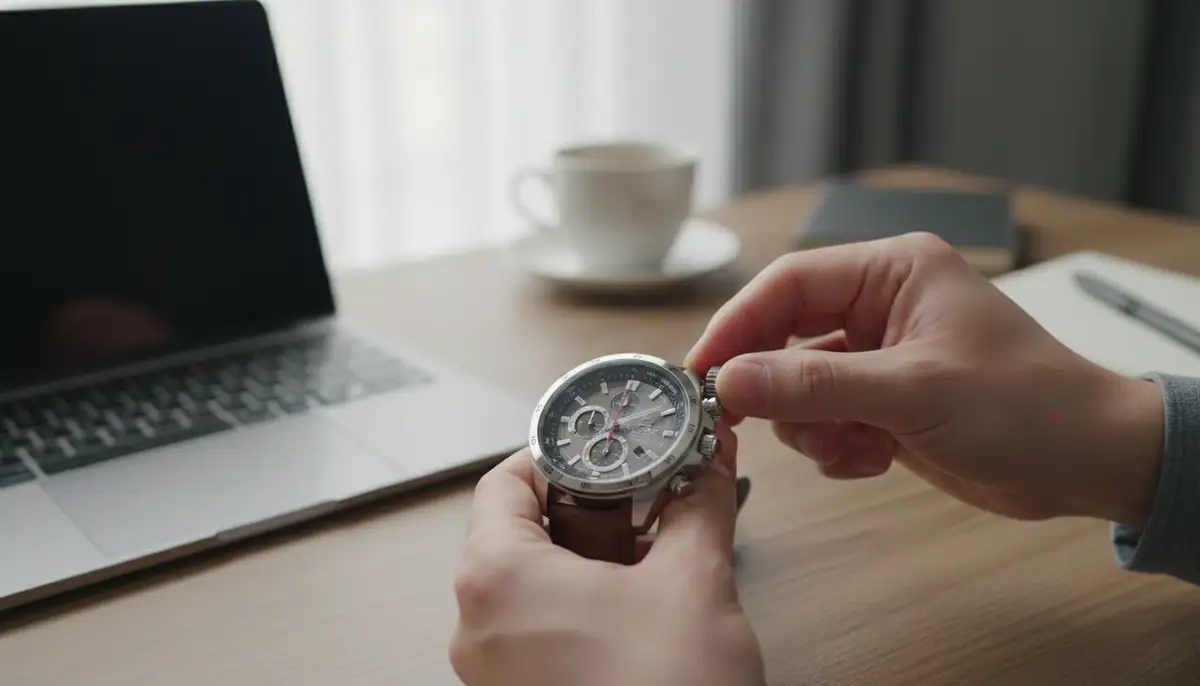
For Casio watches with traditional analog hands, the process is quite different. These watches rely on a crown, a small knob on the side of the watch case, for adjustments. This method is generally simpler than digital settings.
- Step 1: Pull out the Crown. Gently pull the crown out to the first or second click position. Most analog watches have at least two positions: one for date and one for time. For time setting, you usually pull it out to the furthest position.
- Step 2: Rotate the Crown. Turn the crown clockwise or counter-clockwise to move the hour and minute hands. Set the hands to the desired time. If your watch has a date display, you might notice it changing as you pass midnight.
- Step 3: Push the Crown Back In. Once the time is set, push the crown back in completely against the watch case. This locks the time and restarts the watch movement. Make sure it's fully pushed in to maintain water resistance.
Some analog Casio models, particularly those with a date window, might have two crown positions. The first position usually adjusts the date, while the second adjusts the time. Always be gentle when pulling out and pushing in the crown to avoid damage.
How to Adjust Casio Watch Time: Analog-Digital Combination Models
Combination watches, like many G-Shock and Edifice models, feature both analog hands and a digital display. This can sometimes make learning how to adjust Casio watch time a bit more complex. You often need to set both elements independently, or the watch has an auto-hand setting feature.
- Step 1: Set the Digital Time First. Follow the digital time adjustment steps outlined earlier. Ensure the digital display shows the correct time, date, and any other relevant settings.
- Step 2: Enter Hand Setting Mode. After setting the digital time, you'll typically need to enter a separate mode to adjust the analog hands. This is often done by holding the 'Adjust' button for an extended period, or by cycling through modes until you find 'H-SET' (Hand Set) or similar. The hands will usually move to 12:00 or a specific calibration point.
- Step 3: Align the Hands. Use the 'Search' or 'Reverse' buttons to move the analog hands forward or backward until they match the digital time. Some models might have an auto-correct feature where the hands will automatically align to the digital time once you exit the hand setting mode.
- Step 4: Exit Hand Setting Mode. Press the 'Adjust' or 'Mode' button to exit the hand setting mode. The hands should now be synchronized with the digital display.
For these sophisticated models, it's especially important to consult your watch's specific module number. Casio's official website provides detailed manuals for nearly every model, which is invaluable when learning how to adjust Casio watch time on advanced units. You can find general time adjustment help on the Casio support page.
Advanced Features and Specific Models
Casio offers a vast range of watches, many with specialized features. Understanding these can simplify how to adjust Casio watch time for advanced models.
World Time Function
Many Casio watches, especially G-Shocks and Edifice models, include a World Time function. This allows you to quickly view the time in different major cities around the globe. To set your home city and other world time zones:
- Access World Time Mode. Press the 'Mode' button until you reach the World Time screen (often indicated by 'WT').
- Select Home City. Use the 'Search' or 'Reverse' buttons to scroll through city codes until you find your desired home city. This will automatically set the time for that zone.
- Swap Home City/World Time. Some models allow you to quickly swap your home time with a selected world time zone, useful for frequent travelers.
This feature is incredibly useful for those who travel frequently or communicate with people in different time zones. It's a key part of managing your time effectively, alongside knowing how to adjust Casio watch time for your primary display.
Atomic Time Synchronization (Wave Ceptor/Multi-Band 6)
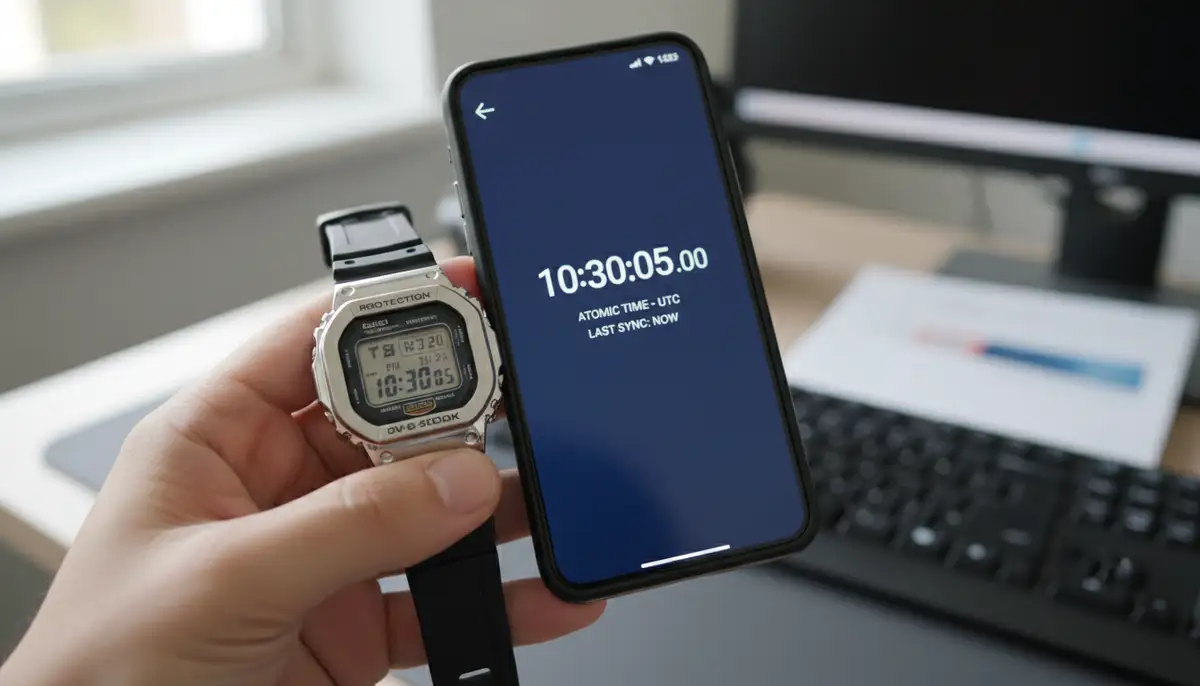
Some high-end Casio watches, known as Wave Ceptor or Multi-Band 6 models, automatically receive radio signals from atomic clocks. This ensures incredible accuracy, often eliminating the need to manually adjust Casio watch time.
- Check Signal Reception. Ensure your watch is in a location where it can receive the signal, typically near a window at night.
- Manual Receive (Optional). Most watches have an option to manually initiate a signal reception. Consult your manual for the specific button sequence.
- Time Zone Setting. Even with atomic time, you usually need to manually set your home city or time zone. The watch then adjusts the atomic time to your local time.
If you own one of these watches, manual adjustments are rarely needed, except for initial setup or if you're outside a reception area for an extended period. The watch essentially takes care of how to adjust Casio watch time for you.
GPS and Bluetooth Connectivity
The latest Casio watches, especially premium G-Shock and Edifice models, feature GPS or Bluetooth connectivity. These watches can sync with your smartphone or GPS satellites to get extremely accurate time data.
- Smartphone Link (Bluetooth). Download the dedicated Casio app for your watch. Pair your watch with your phone. The app will automatically sync the time, date, and often even world time settings.
- GPS Synchronization. For GPS models, activate the GPS function (often by holding a specific button). The watch will connect to satellites and update its time and location information.
These advanced features make learning how to adjust Casio watch time almost a thing of the past for many users, offering unparalleled convenience and accuracy.
Troubleshooting Common Casio Time Adjustment Issues
Sometimes, even with the right instructions, you might encounter issues when trying to adjust Casio watch time. Here are some common problems and their solutions.
| Problem | Possible Cause | Solution |
|---|---|---|
| Digits not flashing in setting mode | Not holding 'Adjust' button long enough | Hold the 'Adjust' button for at least 2-3 seconds until digits flash. |
| Analog hands not moving | Not in Hand Set mode or crown not pulled out far enough | Ensure you're in the correct hand setting mode for digital-analog, or pull the crown out to the furthest click for analog. |
| Date is incorrect after setting time | Year or month not set correctly (for digital) or not enough rotations (for analog) | For digital, cycle through settings and ensure year, month, and date are correct. For analog, rotate hands past midnight multiple times to advance date. |
| Watch keeps losing time | Low battery or internal issue | Replace the battery. If the problem persists, seek professional repair. |
| Atomic/GPS sync not working | Poor signal reception or incorrect time zone setting | Move to an open area, especially at night. Double-check your home city/time zone setting. |
Most issues can be resolved by carefully re-reading your watch's manual and following the steps precisely. Casio watches are generally robust, but user error is a common cause of adjustment difficulties. Remember, knowing how to adjust Casio watch time also includes knowing how to troubleshoot.
Maintenance Tips for Optimal Timekeeping
Beyond knowing how to adjust Casio watch time, proper maintenance ensures your watch remains accurate and functional for years. Simple habits can make a big difference.
- Battery Replacement. Replace batteries promptly when they run low. A weak battery can cause inaccurate timekeeping or prevent settings from being saved.
- Keep it Clean. Regularly wipe your watch with a soft cloth to remove dirt and grime. For water-resistant models, a gentle rinse can help.
- Avoid Extreme Temperatures. Extreme heat or cold can affect battery life and the watch's internal components. Store your watch in a moderate environment.
- Check Water Resistance. If you frequently expose your watch to water, have its water resistance seals checked periodically by a professional, especially after a battery change.
Good maintenance practices extend the life of your watch and reduce the frequency of needing to adjust Casio watch time due to issues. For a deeper dive into watch settings, you can watch this helpful
video.When to Seek Professional Help
While learning how to adjust Casio watch time yourself is empowering, some situations warrant professional attention. If your watch consistently loses or gains time even after battery replacement and proper adjustment, there might be an internal mechanical or electronic issue. Similarly, if buttons are stuck, the display is faulty, or the crown is damaged, it's best to take it to a certified Casio service center or a reputable watch repair shop.
Attempting complex repairs yourself without the right tools and expertise can cause further damage. A professional can diagnose and fix issues, ensuring your watch returns to perfect working order. They understand the intricacies of various Casio modules.
Beyond Timekeeping: Customizing Your Watch Experience
Once you've mastered how to adjust Casio watch time, you might start thinking about other ways to personalize your timekeeping experience. While Casio watches come with their own unique aesthetic, the world of smartwatches offers incredible customization. For example, if you own an Apple Watch or a Wear OS device, you have access to thousands of custom watch faces. At WatchMaker, we offer a vast repository where you can download watch faces, transforming your device's look and functionality.
Our platform allows you to express your style and even share watch faces, connecting with a community of enthusiasts. We believe that whether it's a classic Casio or a modern smartwatch, your timepiece should reflect your personality. We also curate lists of the best faces for Apple Watch, helping you find stunning designs easily. While Casio's focus is on robust, functional watches, the digital watch face market provides endless possibilities for visual customization.
Many platforms, including WatchMaker, provide innovative solutions for watch face customization. You can explore options from companies like amoledwatchfaces.com, or creative tools such as Pujie Black, and communities like buddywatch.app. These platforms push the boundaries of what's possible for digital watch aesthetics, offering a different kind of personalization than simply knowing how to adjust Casio watch time.
Conclusion: Your Casio, Perfectly in Time
Knowing how to adjust Casio watch time is a valuable skill for any owner. From simple digital models to complex analog-digital combinations and advanced features like atomic sync or Bluetooth, the principles remain consistent: understand your buttons, follow the steps, and consult your manual when in doubt. With this guide, you're now equipped to handle any time adjustment need, ensuring your trusty Casio always keeps you punctual. Enjoy your perfectly synchronized timepiece!
Related Posts

The Watch Face Mistake Almost Every New Garmin Owner Makes
There's a predictable arc to owning a new Garmin. Day one, you install a watch face that shows everything: heart rate, steps, battery, weather, two time zones,...

The Ultimate Apple Watch Strap Guide: Find Your Perfect Fit & Style in 2025
Introduction: Your Essential Apple Watch Strap Guide for 2025 Your Apple Watch is more than just a gadget. It's a personal statement, a fitness tracker, and a...