

 Pokemon Card Scanner
 Live Wallpapers Unlimited




Unlock Your Style: The Best Watch Faces for Galaxy Watch 8 Classic in 2025
Introduction: Elevate Your Wrist with the Best Watch Faces for Galaxy Watch 8 Classic
Your Samsung Galaxy Watch 8 Classic is more than just a gadget. It is a personal statement. In 2025, customizing your smartwatch is easier than ever. Finding the perfect look starts with exploring the best watch faces for Galaxy Watch 8 Classic. A great watch face does more than tell time. It reflects your personality and provides useful information at a glance. Whether you prefer a classic analog look or a modern digital display, there are endless options. This guide will help you discover the top watch faces available. It will also show you how to make your Galaxy Watch 8 Classic truly yours. You can dive deeper into a comprehensive guide to the best Galaxy Watch faces for even more inspiration.
Why Your Watch Face Matters: Beyond Just Telling Time
Think about how often you glance at your wrist. Your watch face is the first thing you see. It sets the tone for your day. A well-chosen watch face can boost your mood. It can also make your watch more functional. Some faces offer quick access to apps. Others display your fitness goals. The right watch face makes your Galaxy Watch 8 Classic feel new again. It allows you to express yourself without buying a new device. This personalization is key to enjoying your smartwatch experience fully.
Understanding Your Galaxy Watch 8 Classic
The Galaxy Watch 8 Classic is a premium device. It combines classic design with modern technology. Its circular display is perfect for showcasing beautiful watch faces. The Classic model often features a rotating bezel. This bezel helps you navigate menus easily. It also supports the latest Wear OS features. This means you have access to a huge ecosystem of apps and watch faces. Understanding your watch's capabilities helps you choose the best watch faces for Galaxy Watch 8 Classic. You can even compare the features of different smartwatches like Withings Watch vs Apple Watch to appreciate your device's unique strengths.
Key Features to Look for in the Best Watch Faces
When searching for the best watch faces for Galaxy Watch 8 Classic, consider a few important factors. These features will ensure your watch face is both beautiful and practical.
- Readability: Can you easily tell the time and read information at a glance?
- Customization Options: Can you change colors, complications, or elements to match your style?
- Battery Efficiency: Does the watch face use too much power, draining your battery quickly?
- Complications: Does it offer useful shortcuts or data like weather, steps, or heart rate?
- Style: Does it match your personal aesthetic, whether minimalist, sporty, or elegant?
- Developer Support: Is the watch face regularly updated and well-maintained?
The best watch faces for Galaxy Watch 8 Classic strike a balance between aesthetics and functionality. You want something that looks good but also serves a purpose. Many users prioritize battery life. Others want maximum information on their screen. Think about what matters most to you. This will guide your choices among the many options available.
Top Picks: The Best Watch Faces for Galaxy Watch 8 Classic in 2025
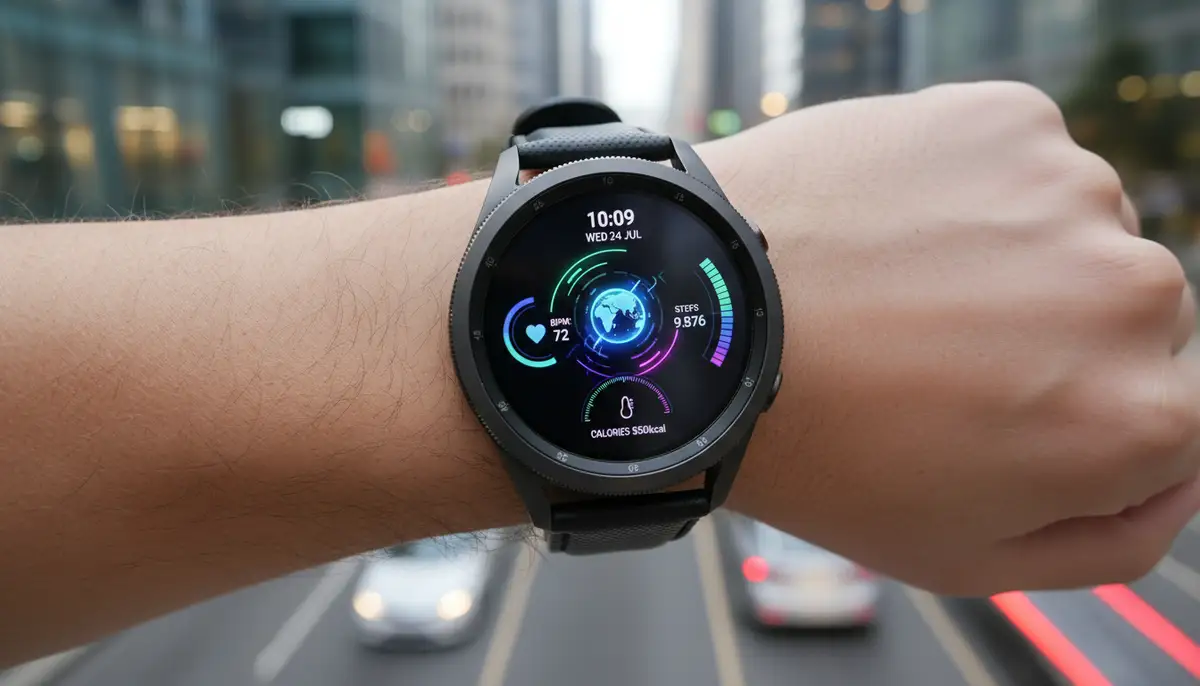
Let's dive into some of the top categories and specific recommendations for the best watch faces for Galaxy Watch 8 Classic. These selections cover a wide range of styles and functionalities. You are sure to find something that fits your needs.
Minimalist & Elegant Watch Faces
Sometimes, less is more. Minimalist watch faces offer a clean, uncluttered look. They focus on essential information without distractions. These faces are perfect for formal occasions or when you prefer a sleek aesthetic. They often feature simple lines and subtle colors. This style ensures your Galaxy Watch 8 Classic looks sophisticated. Many users find these designs timeless.
- Pixel Minimal Watch Face: This is a classic choice. It offers excellent battery life and a clean design. You can customize colors and add a few complications. It is highly popular for its efficiency.
- A/D Watch Face: It blends analog and digital elements beautifully. The design is simple yet striking. You get a modern look with traditional readability.
- MD206: This face provides a very clean digital time display. It has a few small, customizable complications. It's great for those who want a modern, focused look.
Feature-Rich & Informative Watch Faces
For those who want all the data at their fingertips, these watch faces are ideal. They pack in many complications. You can see your steps, heart rate, battery life, and weather all at once. These are some of the best watch faces for Galaxy Watch 8 Classic if you are a data enthusiast. They turn your watch into a powerful information hub. This makes your daily interactions more efficient. They are perfect for busy individuals.
- Info Board: As the name suggests, this face is packed with info. It features multiple customizable complications. You can arrange them to suit your needs. It's very popular for its utility.
- Digital Dash: This face offers a modern digital display with plenty of room for data. It's easy to read and highly functional. It often includes quick-launch shortcuts.
- Classic Big Digital: If you need large, clear numbers, this is for you. It also has space for several complications. It balances visibility with information density.
Sporty & Active Watch Faces
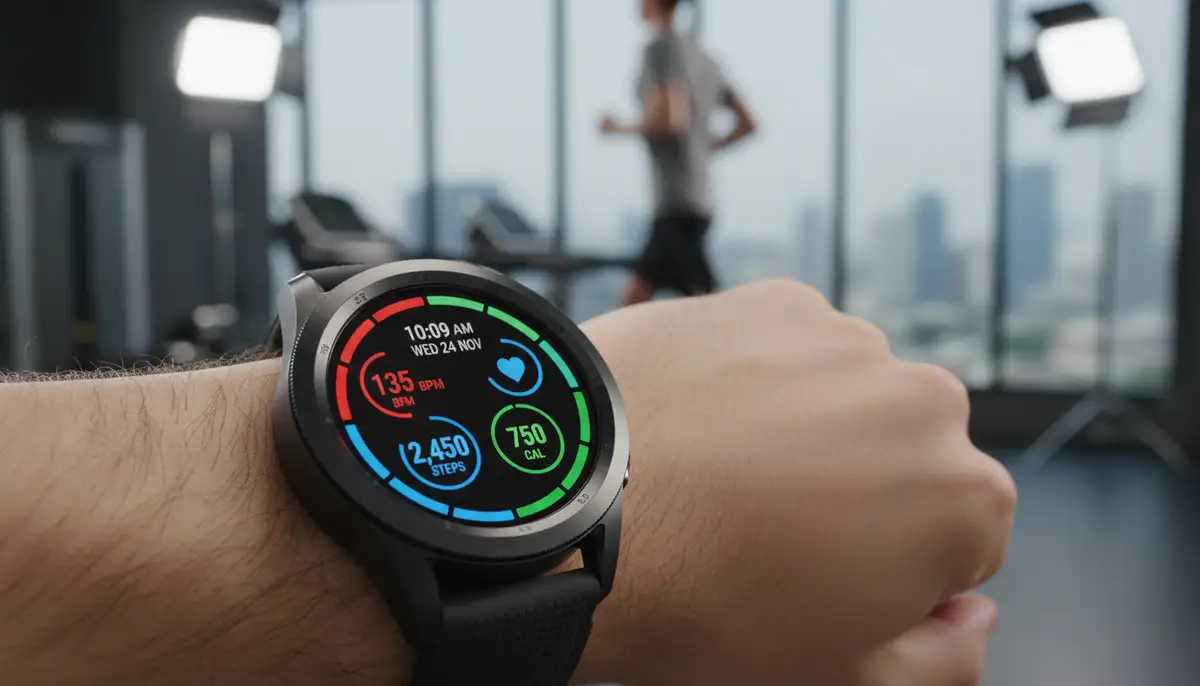
If you lead an active lifestyle, your watch face should keep up. Sporty watch faces are designed for durability and quick data access during workouts. They often feature bold designs and clear metrics. These are among the best watch faces for Galaxy Watch 8 Classic for fitness enthusiasts. They help you stay on track with your health goals. Many even offer quick access to workout apps.
- Sporty Digital: This face usually has a robust design. It prominently displays steps, heart rate, and calories burned. It's built for quick glances during exercise.
- Health Dashboard: This face focuses on all your health metrics. It shows daily activity, sleep data, and stress levels. It's a comprehensive health tracker on your wrist.
- Outdoor Adventure: Designed for explorers, this face might include a compass, altimeter, or sunrise/sunset times. It's rugged and functional for outdoor activities.
Artistic & Unique Watch Faces
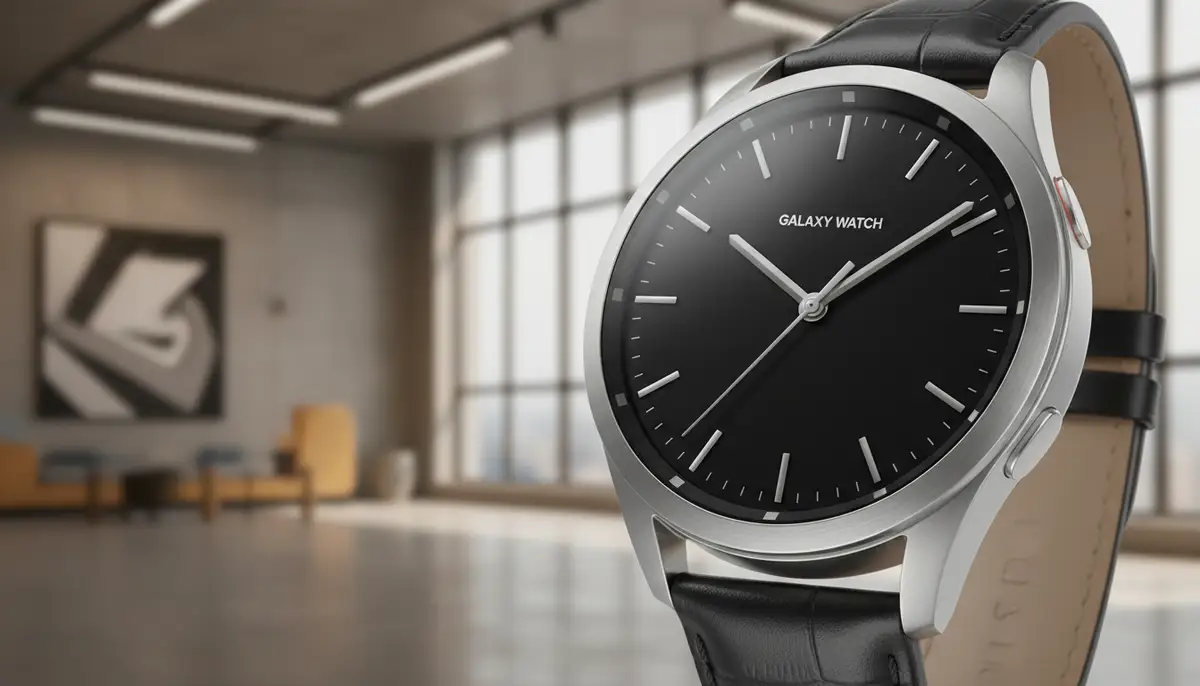
Sometimes, you just want something different. Artistic watch faces turn your Galaxy Watch 8 Classic into a canvas. They feature creative designs, animations, and unique visual styles. These faces allow for ultimate self-expression. They can range from abstract art to playful characters. If you want to stand out, these are some of the best watch faces for Galaxy Watch 8 Classic to explore. They add a touch of personality to your tech.
- Abstract Motion: This face features dynamic, moving patterns. It creates a mesmerizing visual experience. It's a great conversation starter.
- Retro Arcade: Relive the nostalgia with pixelated graphics and classic game themes. It's fun and unique.
- Seasonal Themes: Many developers create faces for holidays or seasons. You can find festive designs for Christmas, Halloween, or summer. These change your watch's look throughout the year.
Customization Apps: Unlocking Even More Watch Faces
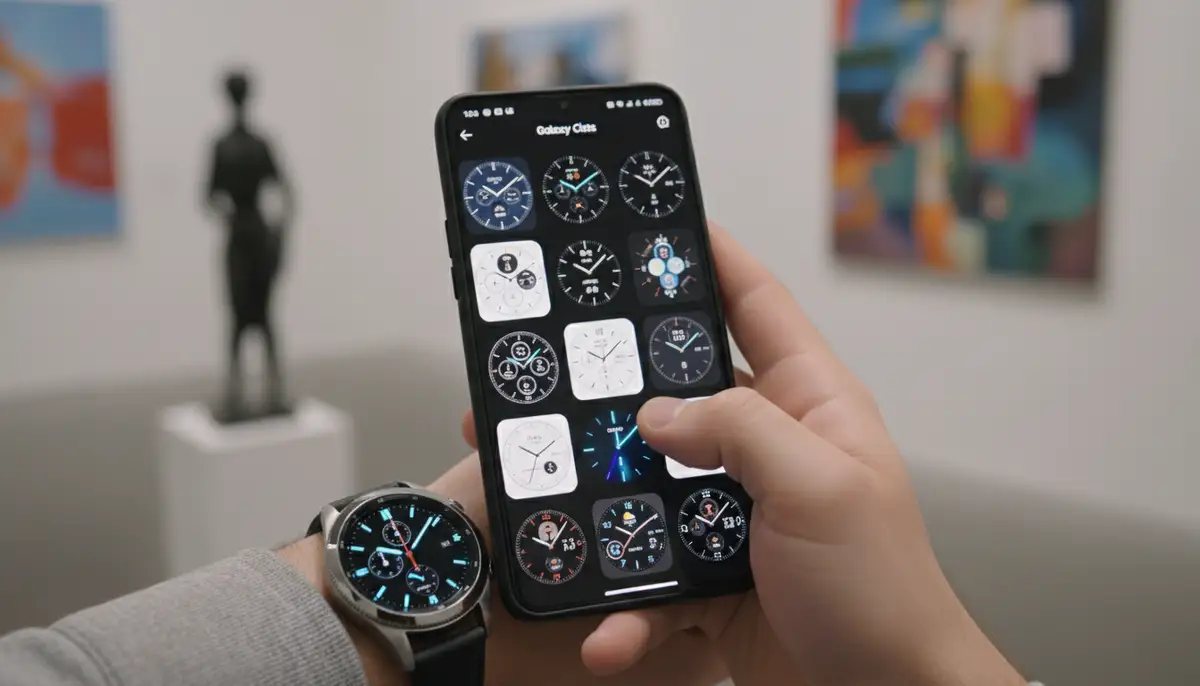
Beyond the default options, several powerful apps let you access a vast universe of watch faces. These apps are crucial for finding the truly unique and best watch faces for Galaxy Watch 8 Classic. They offer tools to create your own designs or browse community-made creations. You can discover more top Galaxy Watch 8 watch faces, including those you might not be using, by checking out Android Authority's recommendations.
- Facer: This is one of the most popular apps. Facer offers thousands of free and premium watch faces. You can also design your own. It supports various smartwatches, including the Galaxy Watch 8 Classic. Explore Facer's extensive library for endless options.
- WatchMaker: As a leading platform, WatchMaker provides a massive repository of user-created watch faces. You can find almost any style imaginable. It also has powerful tools for creating highly customized designs. WatchMaker is a fantastic resource for personalizing your Wear OS device.
- Pujie Black Watch Face: This app is known for its deep customization. You can tweak almost every element of your watch face. It allows for complex designs and rich data displays. It's a favorite among power users.
These apps open up a world of possibilities. They allow you to go beyond the standard offerings. You can find faces from independent designers. You can also create something truly unique. Companies like amoledwatchfaces.com and watchfacely.com also offer curated collections. buddywatch.app provides another great resource for discovering new styles. Remember to explore a vast collection of watch faces on the Google Play Store directly for even more choices.
How to Install and Customize Your Watch Faces
Installing a new watch face is straightforward. Customizing it adds that personal touch. Here's a step-by-step guide to help you get started with the best watch faces for Galaxy Watch 8 Classic.
- Using the Galaxy Wearable App: This is the easiest method. Open the Galaxy Wearable app on your phone. Go to 'Watch faces.' Browse the categories and select one you like. Tap to download and apply it.
- From the Watch Itself: On your Galaxy Watch 8 Classic, long-press the current watch face. Swipe left or right to see installed faces. Tap 'Add watch face' to browse more. Some faces have a 'Customize' button below them.
- Using Third-Party Apps (Facer, WatchMaker): Install the app on your phone and watch. Open the app on your phone. Browse or create a face. Tap 'Send to Watch' or 'Set Watch Face.' Follow any on-screen prompts.
Customization options vary by watch face. Look for settings to change colors, background images, and complications. Complications are small widgets that display information or shortcuts. You can usually tap a complication to change what it shows. Many watch faces allow you to tailor the look and feel to your exact preferences. For a visual guide, watch this helpful video:
.Maximizing Battery Life with Your Watch Face
Some watch faces consume more battery than others. This is an important consideration for the best watch faces for Galaxy Watch 8 Classic. Faces with complex animations, bright colors, or many active complications can drain your battery faster. Here are some tips to help extend your watch's battery life.
- Choose Darker Faces: AMOLED screens save power by turning off pixels for black areas. Dark watch faces use less energy.
- Limit Animations: Animated elements look great but use more battery. Opt for static designs if battery life is a priority.
- Reduce Complications: Fewer active complications mean less data refreshing. This saves power.
- Use Always-On Display (AOD) Wisely: AOD keeps the time visible but uses more battery. Consider turning it off or using a minimal AOD face.
Here is a quick comparison of watch face types and their typical battery impact:
| Watch Face Type | Visuals | Typical Battery Impact |
|---|---|---|
| Minimalist (Dark) | Simple, few complications, dark background | Low |
| Informative (Bright) | Many complications, bright colors, active updates | Medium to High |
| Animated/Artistic | Moving elements, complex graphics | High |
| Default/Optimized | Balanced design, efficient code | Low to Medium |
Troubleshooting Common Watch Face Issues
Even with the best watch faces for Galaxy Watch 8 Classic, you might encounter minor issues. Here are some quick fixes for common problems.
- Watch Face Not Applying: Try restarting both your phone and your watch. Ensure both devices are updated to the latest software. Sometimes, a simple reboot fixes connectivity issues.
- Battery Drain: If a new watch face is suddenly draining battery, try a different one. Check if the problematic face has too many active complications. Adjust settings or choose a simpler design.
- Complications Not Updating: Ensure the app providing the complication data has necessary permissions. For example, weather complications need location access. Restarting the watch can also help.
- Watch Face Crashing: Delete and reinstall the watch face. If it's a third-party app, check for updates. Report the issue to the developer if it persists.
Most issues are minor and easily resolved. Keeping your watch and phone software updated is crucial. This ensures compatibility and smooth performance for all your watch faces.
The Future of Watch Faces for Galaxy Watch 8 Classic
The world of smartwatch customization is constantly evolving. In 2025, we are seeing even more dynamic and AI-powered watch faces. Expect more personalized recommendations based on your usage patterns. Developers are exploring advanced animations and interactive elements. The best watch faces for Galaxy Watch 8 Classic will likely integrate deeper with health sensors. This could provide real-time, context-aware information. Imagine a watch face that changes based on your activity level or location. The possibilities are truly exciting. We will see more integration with smart home devices. Your watch face could become a central control panel. Expect even more innovative designs and functionalities in the coming years.
Conclusion: Your Perfect Watch Face Awaits
Choosing the best watch faces for Galaxy Watch 8 Classic is a journey of personal expression. With countless options available, you can truly make your smartwatch your own. From minimalist elegance to data-rich dashboards, there's a watch face for every style and need. Experiment with different designs, explore customization apps like Facer and WatchMaker, and don't be afraid to change your look often. Your Galaxy Watch 8 Classic is a powerful accessory. The right watch face enhances its utility and showcases your unique personality. Start exploring today and redefine your wristwear. If you also own an Apple Watch, don't forget to check out the best faces for Apple Watch to personalize that device too!
Related Posts

The Watch Face Mistake Almost Every New Garmin Owner Makes
There's a predictable arc to owning a new Garmin. Day one, you install a watch face that shows everything: heart rate, steps, battery, weather, two time zones,...

The Ultimate Apple Watch Strap Guide: Find Your Perfect Fit & Style in 2025
Introduction: Your Essential Apple Watch Strap Guide for 2025 Your Apple Watch is more than just a gadget. It's a personal statement, a fitness tracker, and a...